
































CryptoBot Review
CryptoBot is a popular Telegram bot that allows users to securely and anonymously (without KYC) buy, sell, and store Toncoin (TON blockchain tokens) and other cryptocurrencies (BTC, BNB, USDT, USDC, SOL, Gram, Notcoin, Catizen, and more).
At the time of writing, CryptoBot supports trading of 13 different cryptocurrencies (TON, BTC, BNB, BUSD, USDC, USDT, SOL, LTC), as well as some Ton blockchain tokens. More than 10 payment methods are supported, including transfers to Russian bank cards (Sberbank, Tinkoff, Alfa-Bank, and others) and electronic wallets (YuMoney, WebMoney, QIWI). The bot functions as an exchange and escrow service, with transactions conducted between users.
New projects are regularly launched on the TON blockchain, and CryptoBot supports trading of the most popular ones. There is a bot on Telegram that distributes popular TON tokens for free, which can then increase in value. Subscribe to @JetTondropbot to not miss out on the most profitable giveaways.
Key Features of CryptoBot
All transactions are conducted on a P2P trading basis. The bot acts as an escrow, holding the coins during the transaction. When buying cryptocurrency, the bot does not charge a fee, but a 1% fee is charged when selling. Users can issue checks and invoices to each other in various cryptocurrencies without any fees for these operations.
CryptoBot can be used for storing funds. The wallet has a high level of security and allows for the storage of unlimited funds. Within the bot, the price is determined by supply and demand. Users create offers by listing their cryptocurrency for sale at a specific price, and other users buy at that price, creating demand. The more offers there are, the higher the competition, and the price becomes closer to the market rate. When setting the price, users refer to the exchange rate (e.g., the OkEx exchange rate), but deviations can occur in either direction depending on the current number of offers.
In this article, we reviewed the main functions of the Telegram bot CryptoBot: how to top up the wallet, how to withdraw funds, how to buy Toncoin, how to sell Toncoin, how to create an advertisement, how to create and activate a check, how to use invoices, and the referral program.
To start using CryptoBot, follow this link.
Pay attention to the correct bot addresses. The correct usernames are @CryptoBot, @calc, and @send. Keep this in mind to avoid scammers when searching for the bot:

After following the link, click "start" or "launch".

A mandatory condition for using the bot is subscribing to the channel https://t.me/CryptoBotEN for English and https://t.me/CryptoBotRU for Russian. After subscribing to the channel, return to CryptoBot and select "I've Joined, Continue >"
After this, you will enter the main section of the bot, and we will review all these sections:
CryptoBot: "Wallet" Section
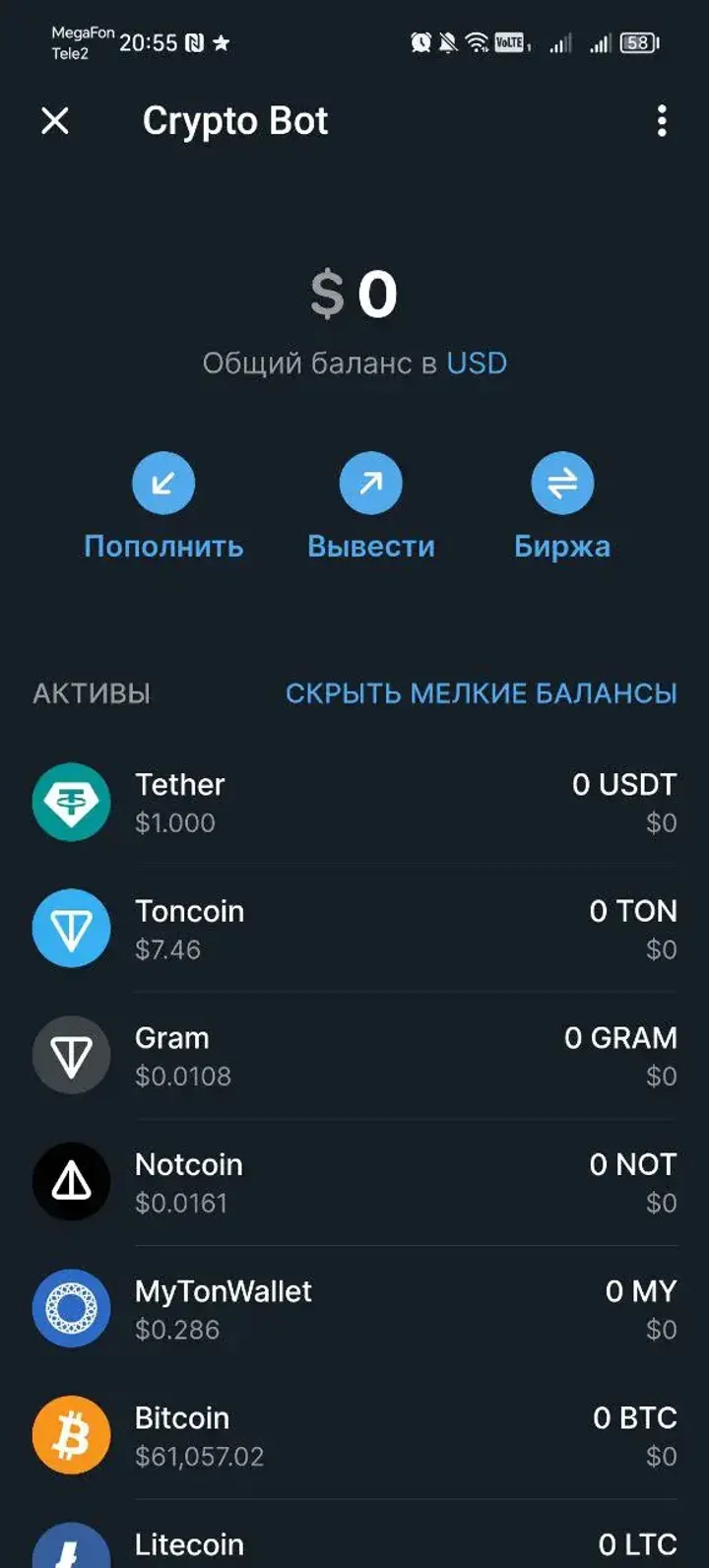
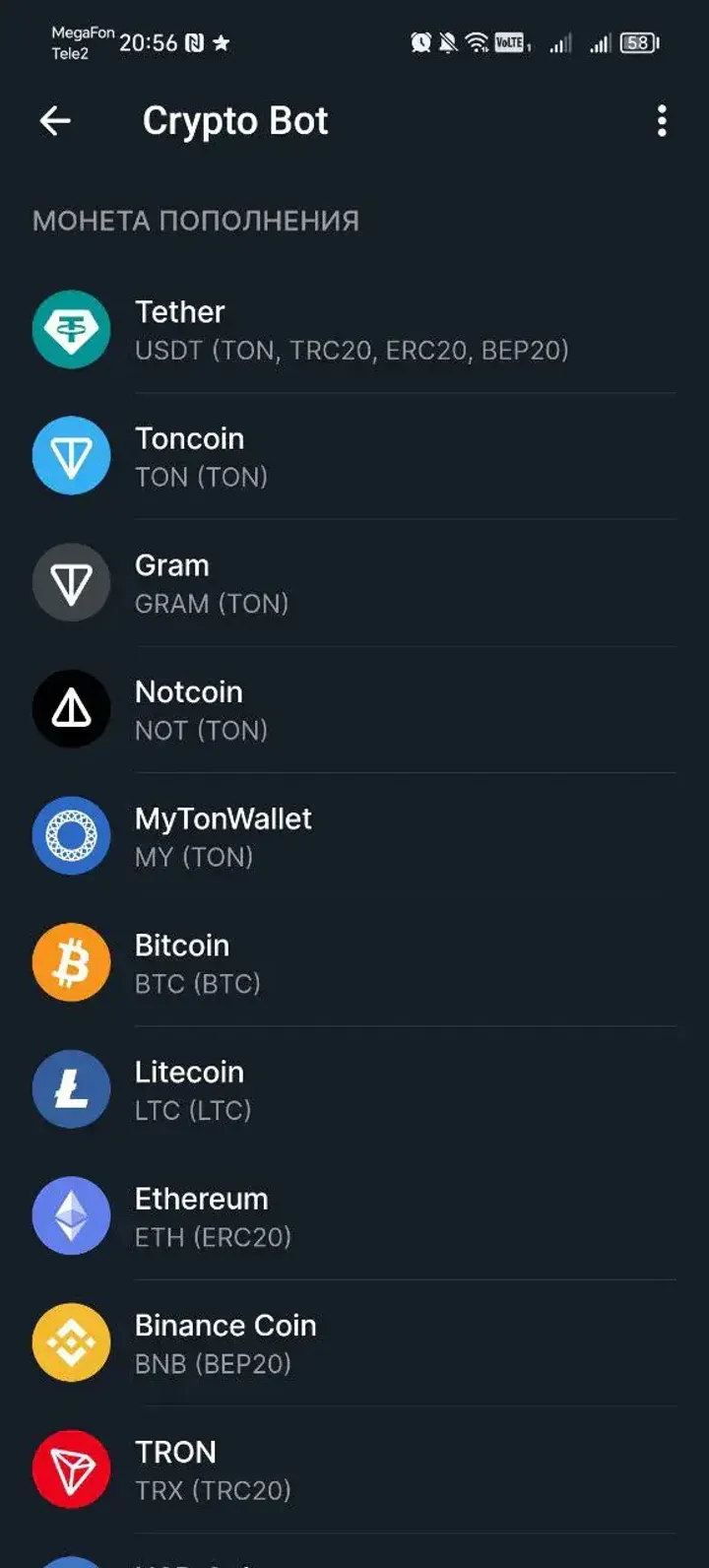
Currently, in the Wallet section, you can top up and withdraw 14 presented cryptocurrencies: BTC, TON, BNB, BUSD, USDC, USDT, ETH, LTC, SOL, and tokens: Gram, MyTonWallet, Dogs, Notcoin, Catizen.
Wallet Top-Up
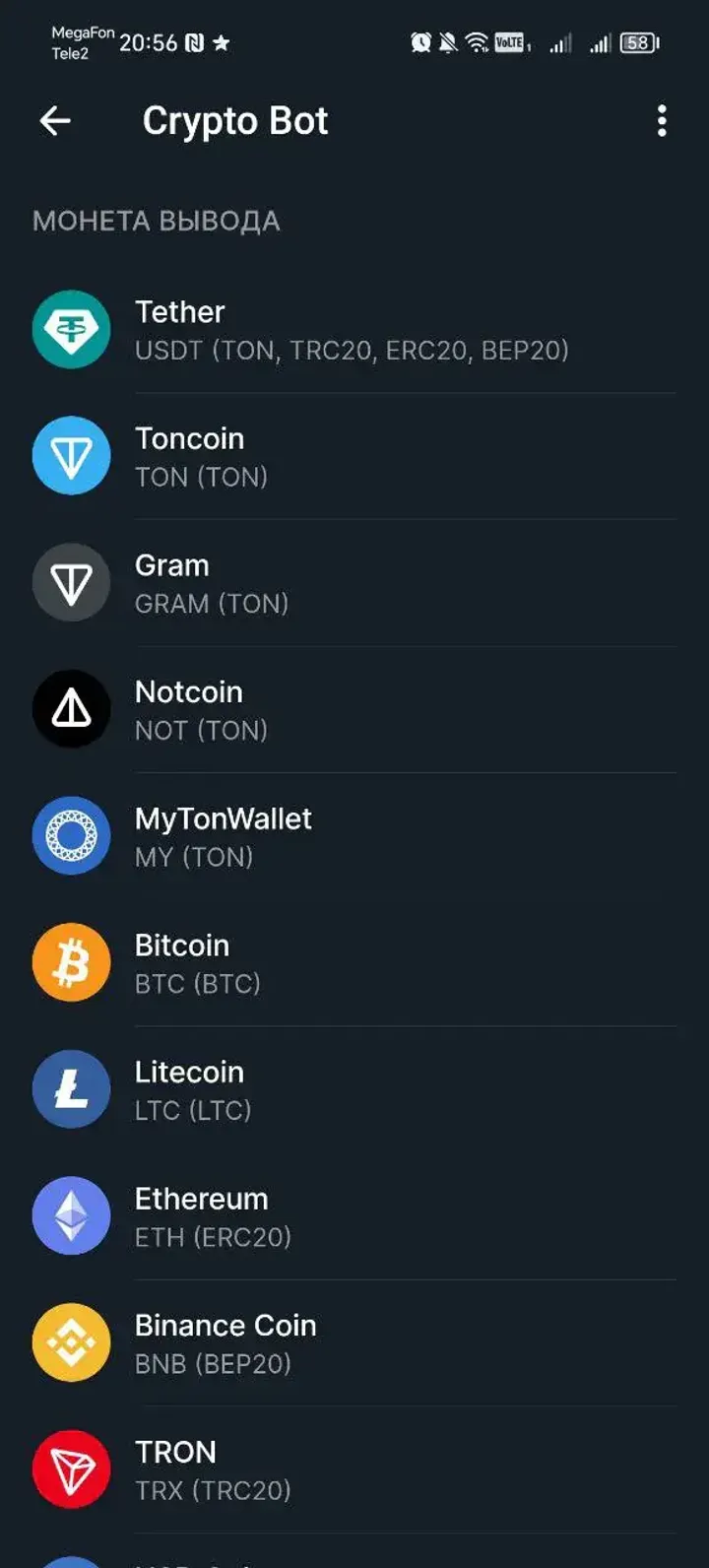
Let's try to top up the Toncoin account. Click Top Up, select the cryptocurrency you want to top up, and get a unique address linked to the wallet:

The cryptocurrency must be transferred exclusively to this address. Be careful, top up the balance only on the network specified in the bot. Top-ups on another network may result in the complete loss of your funds.
In addition to the main network (TON), TONCOIN can be used in other networks (ETH, BCS, etc.) — do not top up the wallet from other networks. When topping up TON through CryptoBot, you must use only The Open Network.
When topping up USDT, BNB, BUSD, USDC, SOL, BTC, you must use only the network offered by CryptoBot. Be careful! Choosing the wrong network may result in the loss of your deposit.

Transfer the cryptocurrency to the specified address. When the funds are credited to the account, you will see the following notification in the bot:

Withdrawing Funds from the Wallet
Now let's try to withdraw Toncoin. Click Withdraw and select TON. When withdrawing TON through @CryptoBot, you have the option to add a comment to the transaction, as required when topping up balances on exchanges like EXMO, FTX, Okex, and when using blockchain bridges.
Select the cryptocurrency you want to send. In our case, it is TON:

Then specify the address in the TON network to which you want to make the withdrawal, the amount of TON, and the comment.

Это мошенники! Работают со скамерами, которые переводят в крипту по черным схемам. Остерегайтесь.