Categories: Entertainments ,
Anonymous Chats ,
Gifts ,
Strategy ,
Puzzle and Quests ,
Video Content ,
News and Blogs ,
Wallets ,
Catalogs ,
Monetization ,
Board and Classic ,
Image Generation ,
Stars ,
Video Generation
Description from Bot
Official Fiddl.art Telegram bot
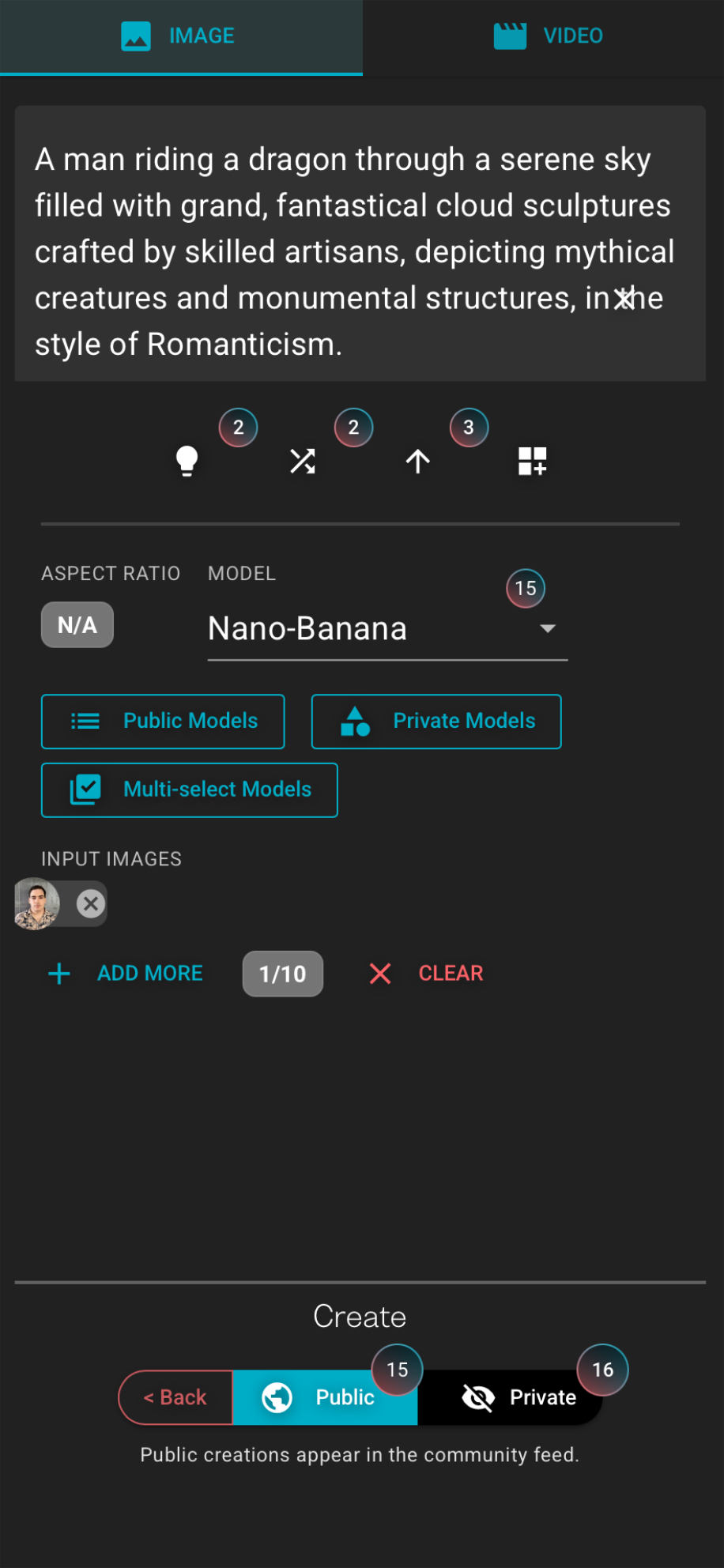
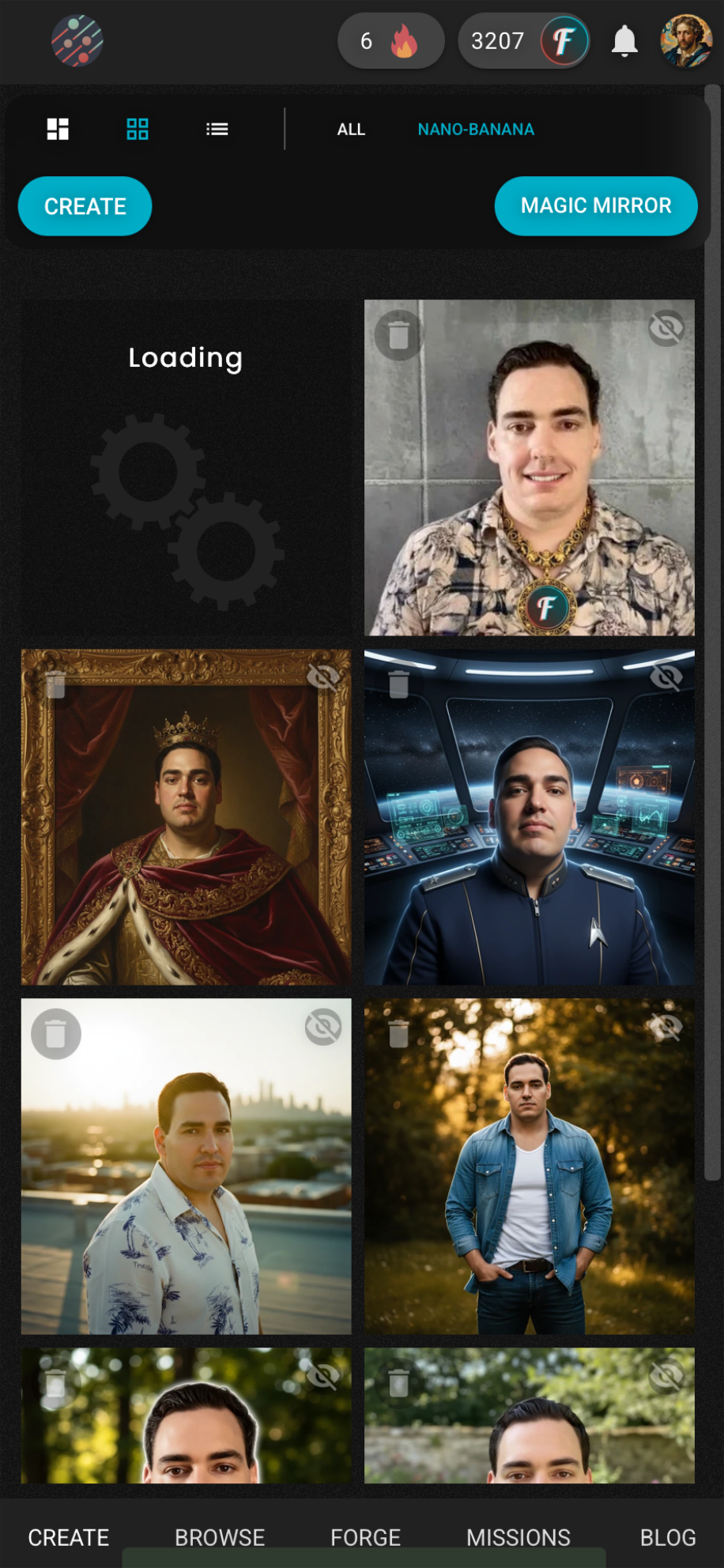
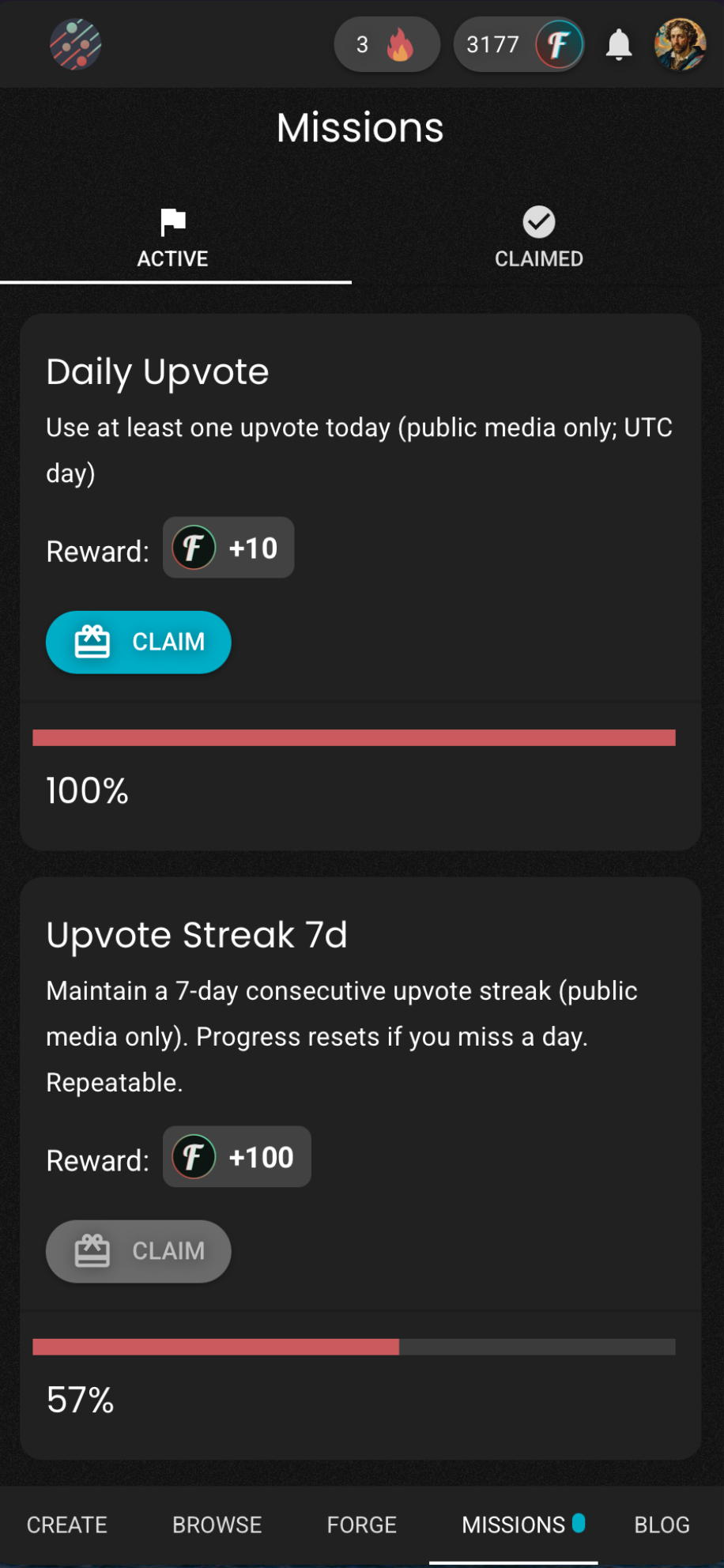
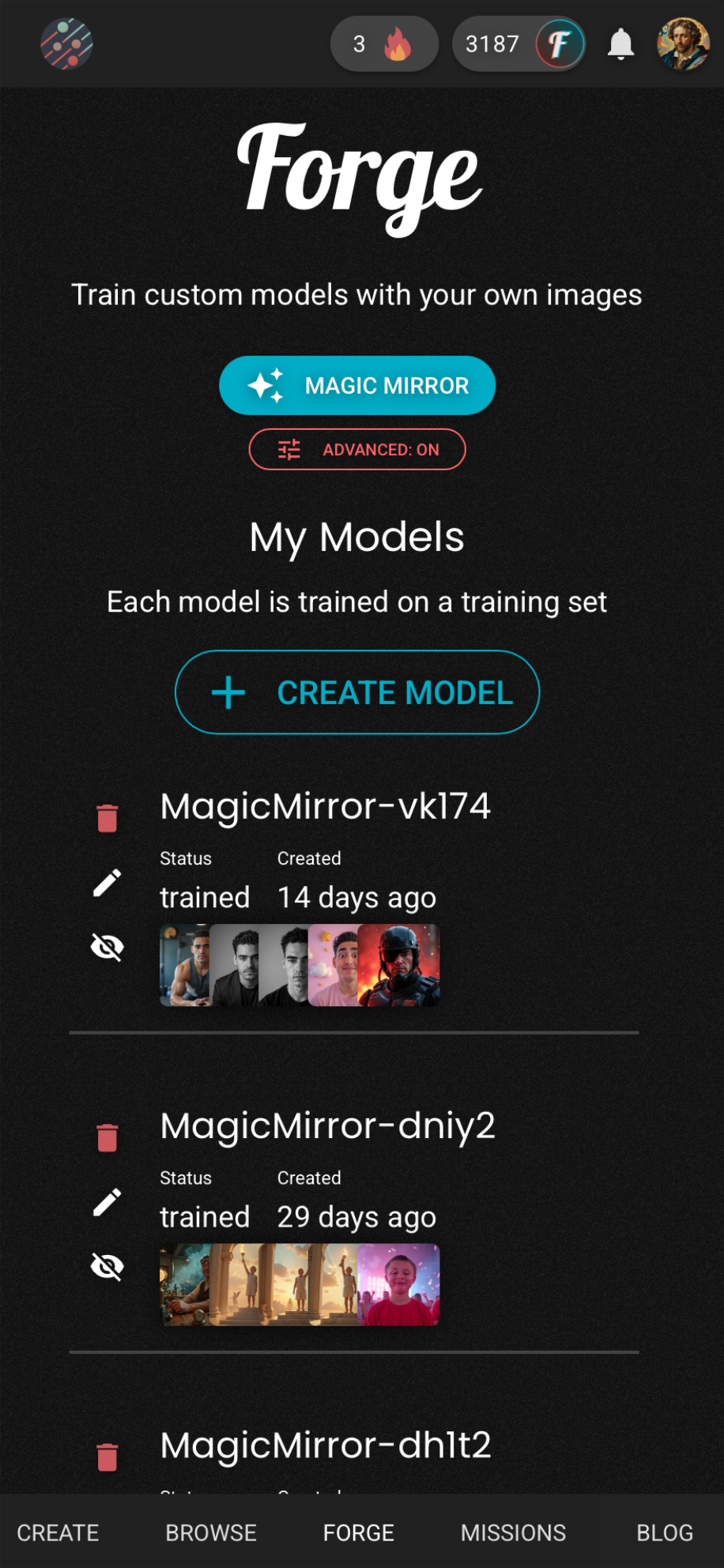
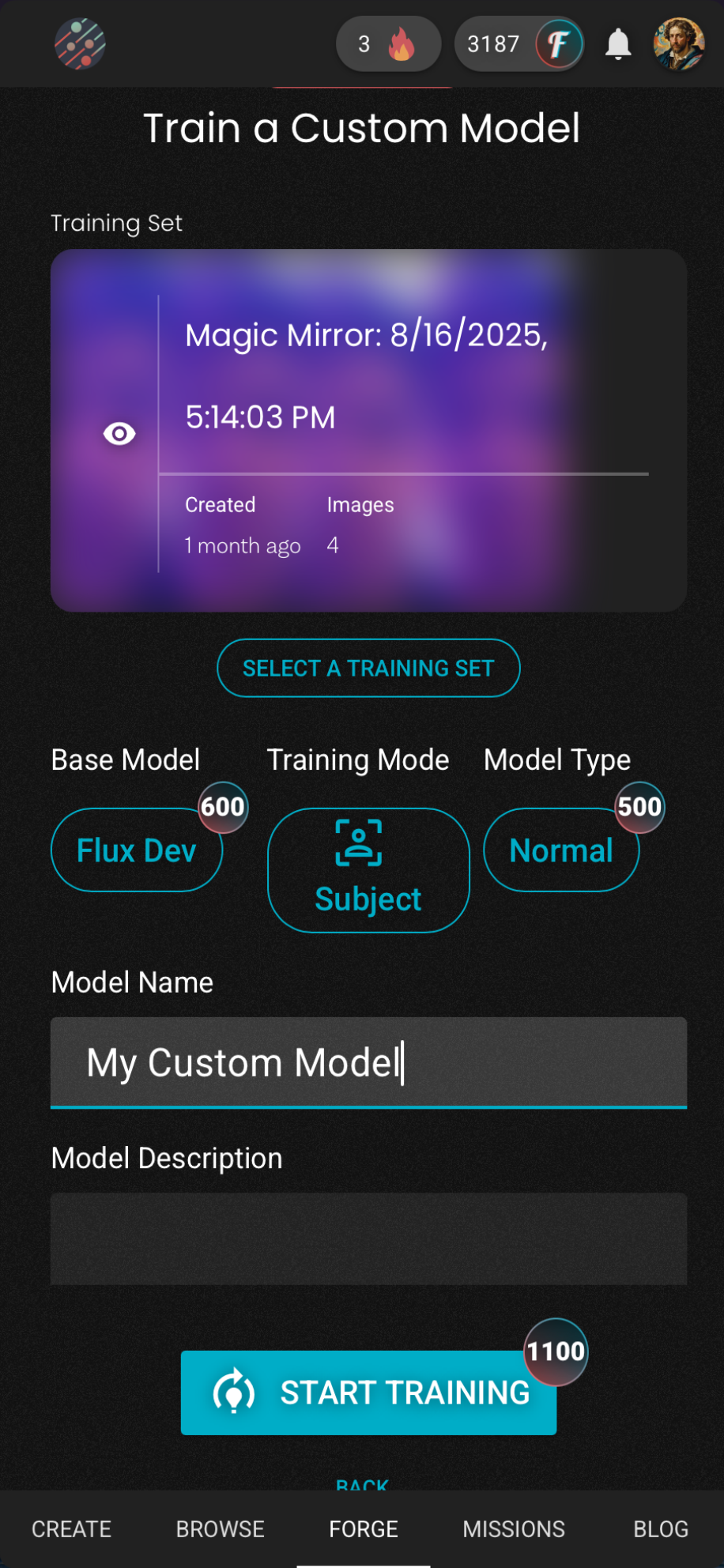
Fiddl.art brings AI image and video creation to Telegram with a full Mini App and an inline bot that works in DMs and group chats. Chat naturally, use inline buttons, buy Fiddl Points with Telegram Stars, and link your account automatically. Create with 20+ models, train your own and browse others (including Nano Banana), try dozens of face‑swap templates, get quick pro headshots in Magic Mirror, and discover and unlock community art.
Reviews can be left only by registered users. All reviews are moderated by admins.
5 stars
0
4 stars
1
3 stars
1
2 stars
0
1 stars
0
How to Start
1
Open Bot in Telegram
Click the "Open Bot" button above to open this bot in the Telegram app
2
Start the Conversation
Press the /start command or tap the Start button to begin interacting
3
Explore Features
Use the menu button or type /help to discover all available commands
Frequently Asked Questions
Common questions about Telegram bots

A Telegram bot is an automated program that performs various tasks within Telegram messenger. Bots can send messages, answer questions, process commands, automate workflows, and provide services like weather updates, language translation, or task management.
Click the "Open Bot" button on this page, then tap /start in the chat with the bot. Follow the bot instructions or use available commands shown in the menu button. Most bots provide a /help command to see all available features.
Most Telegram bots are safe. However, avoid sharing sensitive personal information, passwords, or payment details unless you trust the developer. Check bot ratings, reviews, and number of users before using. Avoid bots asking for unusual permissions.
Most Telegram bots are completely free. Some bots offer premium features through subscriptions or one-time payments, but basic functionality is typically free. Check the bot description for pricing information.
Bots are interactive programs that respond to commands and automate tasks. Channels are broadcast platforms where admins post content. You interact with bots (two-way), while channels provide one-way communication (you just receive updates).
Bot commands start with a forward slash (/) like /start, /help, or /settings. Type the command and send it to the bot. Many bots also have a menu button showing available commands. Some advanced bots understand natural language without needing specific commands.