Hotline CRM Bot — @hotlinetg_bot Telegram Bot

Hotline CRM Bot — Telegram Bot @hotlinetg_bot
Scan to open on phone
Hotline CRM Bot — Telegram Bot @hotlinetg_bot
Bot address: @hotlinetg_bot
Categories: Community Management, CRM
Language: All languages
Description from Bot

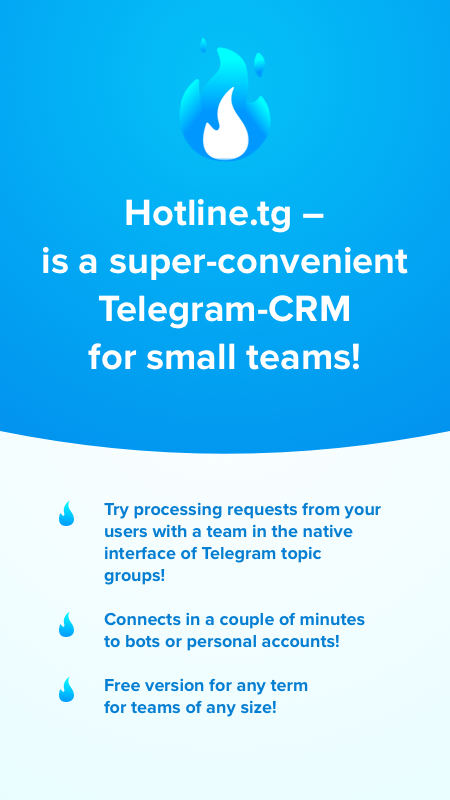
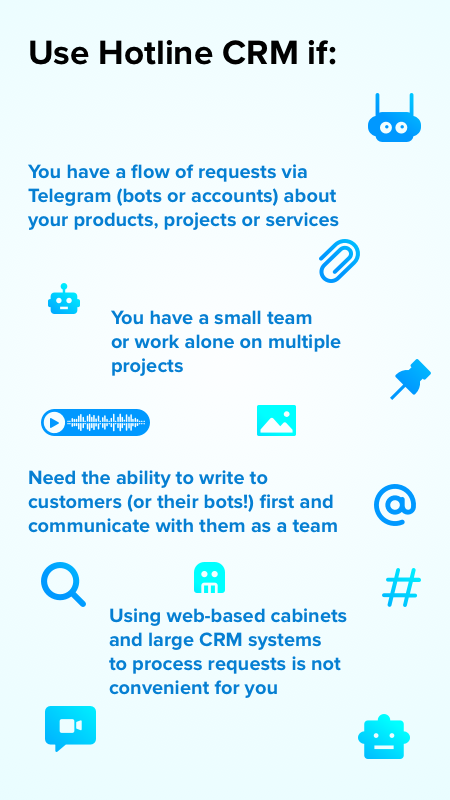
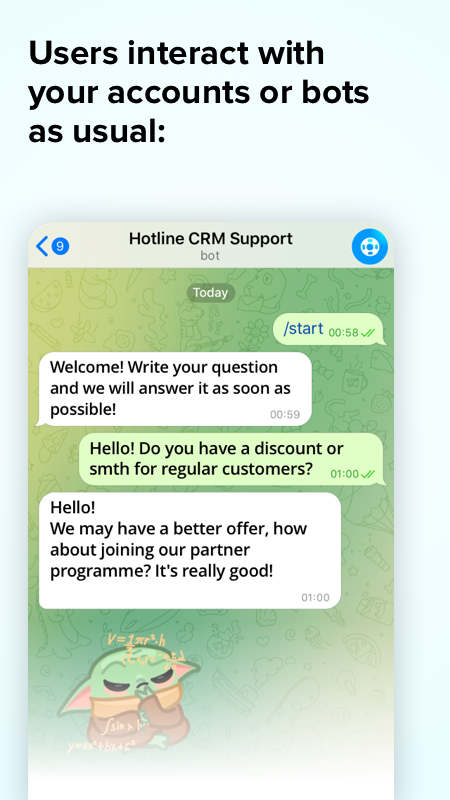
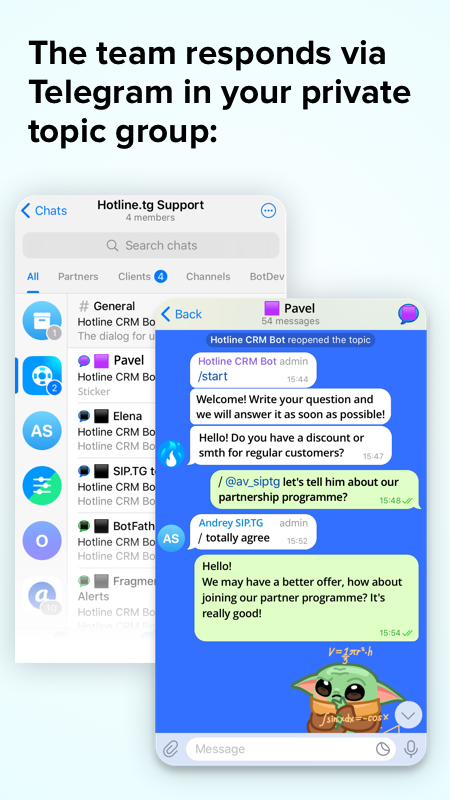
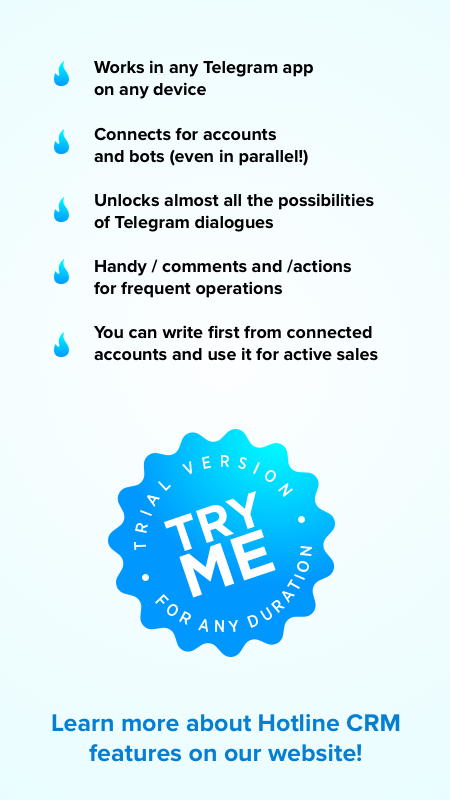
Hotline is ideal for support, feedback or sales bots in a wide variety of niches. To start learning, visit our website Hotline.tg and watch video tutorials for beginners.1️⃣ Works through your private topic group inside Telegram2️⃣ Supports all major message types (voice, video, files etc)3️⃣ Quick and easy self-installation through this bot4️⃣ Suitable for small teams or individual work5️⃣ Can be connected over existing bots without disabling them6️⃣ Allows for extending functionality with custom integrations7️⃣ Free trial for any duration!

Share this bot:
Transitions to the bot: ( 560 )

Hotline CRM Bot — Screenshot 1 Hotline CRM Bot — Screenshot 2 Hotline CRM Bot — Screenshot 3 Hotline CRM Bot — Screenshot 4 Hotline CRM Bot — Screenshot 5 Hotline CRM Bot — Screenshot 6

How to Start

1

Open Bot in Telegram

Click the "Open Bot" button above to open this bot in the Telegram app
2

Start the Conversation

Press the /start command or tap the Start button to begin interacting
3

Explore Features

Commands, menus and features depend on the bot. Follow its own instructions.

Frequently Asked Questions

Common questions about Telegram bots

A Telegram bot is an automated program that runs inside the Telegram messenger. Bots respond to commands, process messages, and provide services like automation, information lookup, file processing, and entertainment. Tap Start to begin interacting.
Commands, menus and features depend on the bot. Follow its own instructions.
A catalog listing is not a safety check. Review the operator and requested permissions.
Prices and limits are set by each service. Check its terms before paying.