Description from Bot
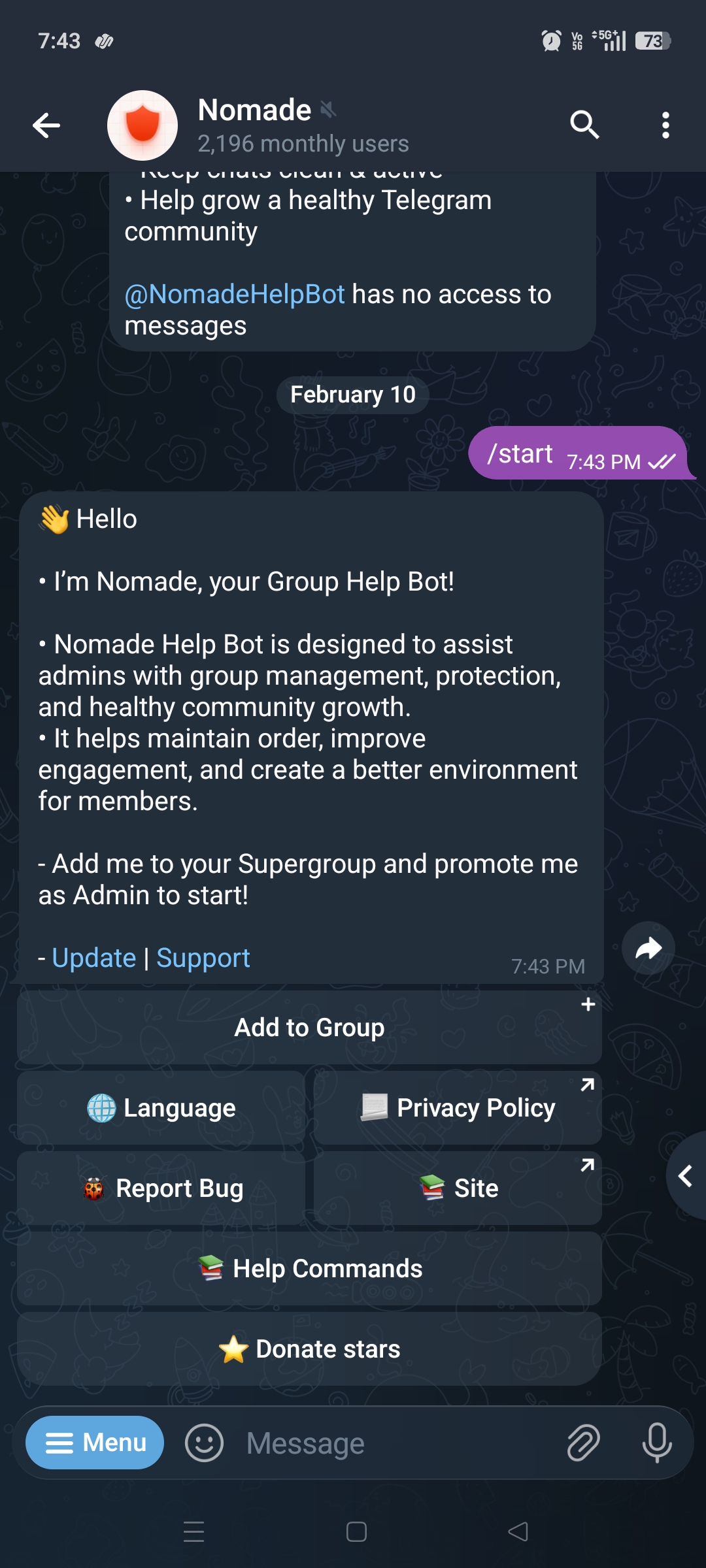
Nomade — Advanced Telegram Group Management Nomade Help Bot is an all-in-one Telegram group management solution designed to keep communities safe, organized, and growing. It combines powerful moderation, anti-spam protection, automation tools, and engagement systems into one easy-to-use bot. With a simple button-based private interface and multi-language support, admins can configure everything quickly without complexity. --- 🌍 Interface & Language Support Nomade provides a guided private setup menu where users can: • Add the bot to groups • Access help commands • Change language • View privacy policy • Report issues to the owner Supported languages: English, Hindi, Russian, Arabic, Spanish, Italian, French, German, Portuguese, Japanese, Chinese, Korean --- 🛡 Security & Protection Systems Anti-Spam Locks Block links, forwards, media, stickers, usernames, and even specific languages. Commands: /lock, /unlock, /locks, /locklanguage, /unlocklanguage Bio Filter Prevents users with links or usernames in bio from messaging. Commands: /bio_links, /bio_usernames Blacklist System Auto-detects banned words and warns or acts automatically. Commands: /addblack, /removeblack, /blacklist Sticker Protection Approve or block sticker packs and restrict new users from sending stickers. Commands: /stickers approve, /stickers disapprove, /restrict stickers newusers Ghost Mode Removes join/leave messages to keep chat clean. Commands: /ghostmode on/off Remove Deleted Accounts Scans and removes deleted Telegram users. Command: /remove_deleted --- 👮 Moderation Tools Kick, ban, mute, warn, promote, demote members with tracking and auto-actions. Commands: /kick /ban /unban /mute /unmute /warn /warns /resetwarns /promote /demote /unbanall Anti-Cheater Admin Protection Automatically demotes abusive admins who remove too many users. Prevents group damage. --- 🚀 Growth & Engagement Systems Force Subscribe Require users to join channels before chatting. Commands: /addfsub, /removefsub, /fsublist Force Add Members Users must invite members before messaging. Commands: /setforceadd, /getforceadd TagAll Feature Allows admins to mention all members for important announcements. Donate Star Feature Users can support the bot via Telegram Stars donation system. --- 🎯 Community Management Tools Welcome System Custom text/media welcomes with buttons and dynamic placeholders. Commands: /setwelcome, /welcome on/off Rules Management Set and display group rules. Commands: /setrules, /rules, /clearrules Filters Auto-replies for keywords (FAQ, reminders). Commands: /filter, /stop Notes Save important info accessible privately. Commands: /setnote, /delnote, /notes AFK System Auto-replies when AFK users are mentioned. Command: /afk Activity Tracker View top active users and stats. Commands: /topusers, /userstats --- 🎮 Optional Fun System Life Game adds virtual profiles, currency, gifts, and interactions to increase engagement. Commands: /startlife, /profile, /rob, /gift, /marry, /bet --- ⚙ Why Choose Nomade Help Bot? ✔ Strong anti-spam & security ✔ Full moderation toolkit ✔ Group growth systems ✔ Engagement features ✔ Multi-language support ✔ Clean button-based setup ✔ Works for small & large communities --- Start Managing Your Telegram Group Professionally Add Nomade Help Bot and activate advanced protection, moderation, and growth tools in minutes. Bot: @NomadeHelpBot Support Email: learningbots79@gmail.com

 1
)
1
)