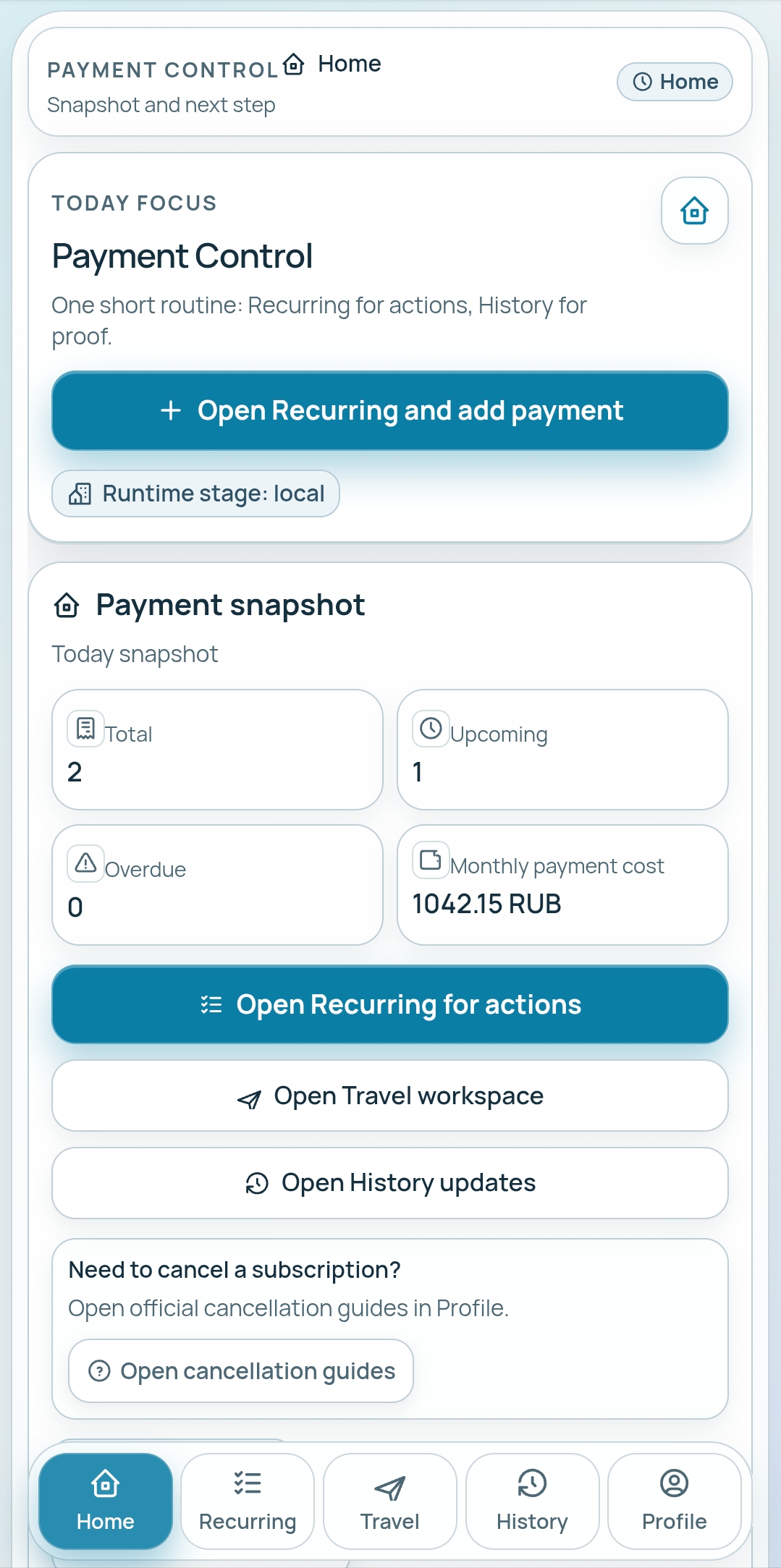
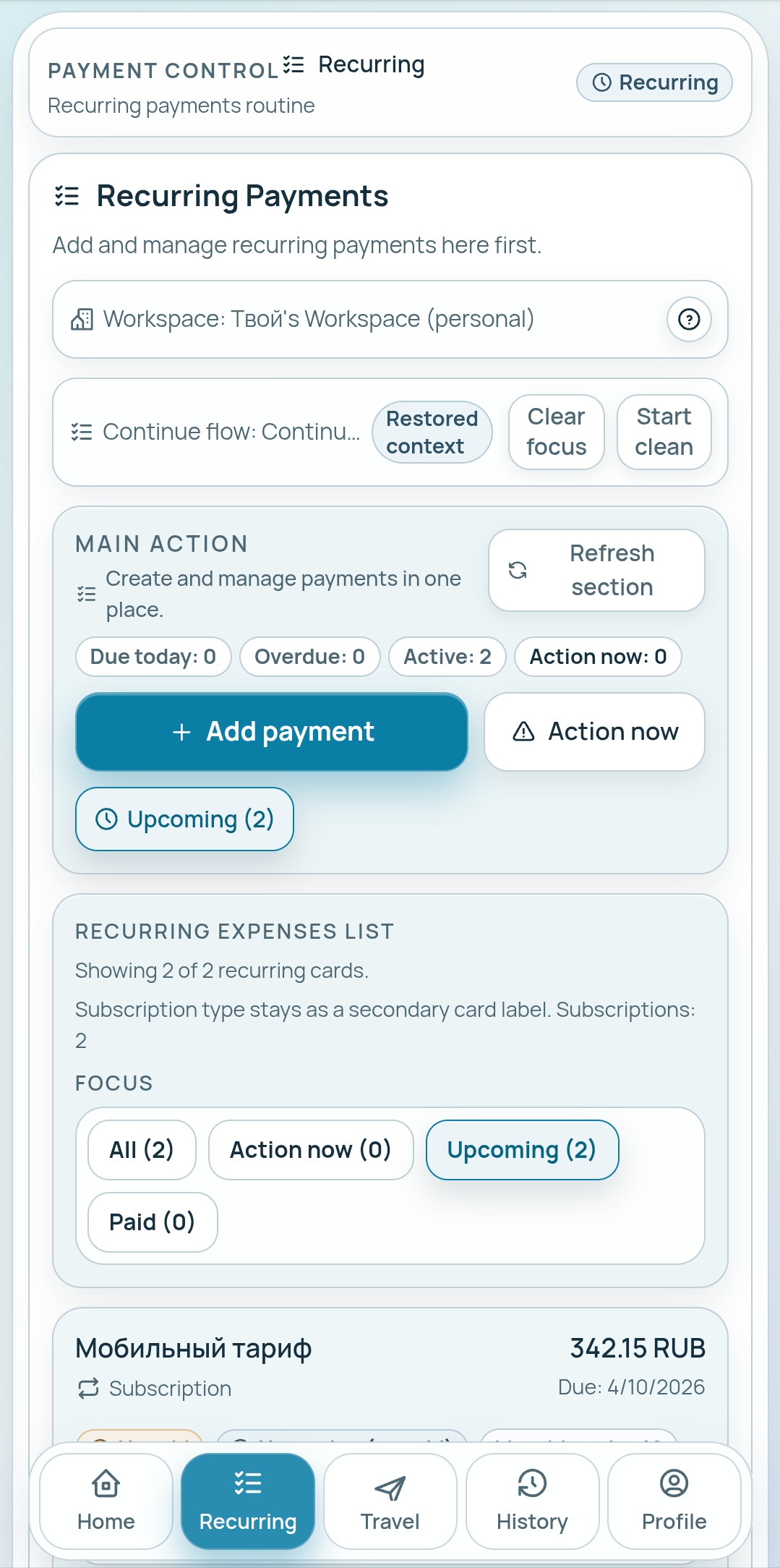
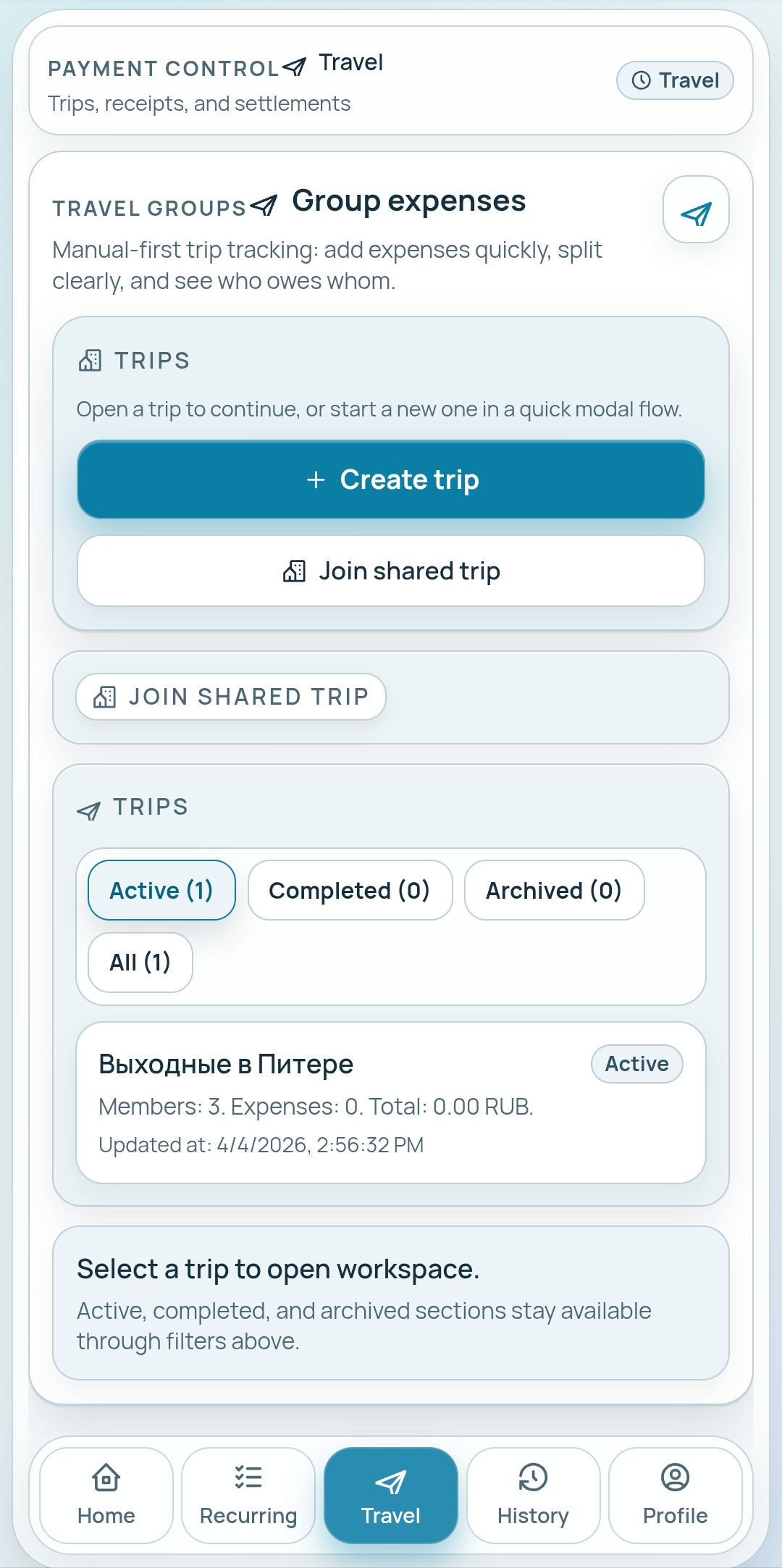
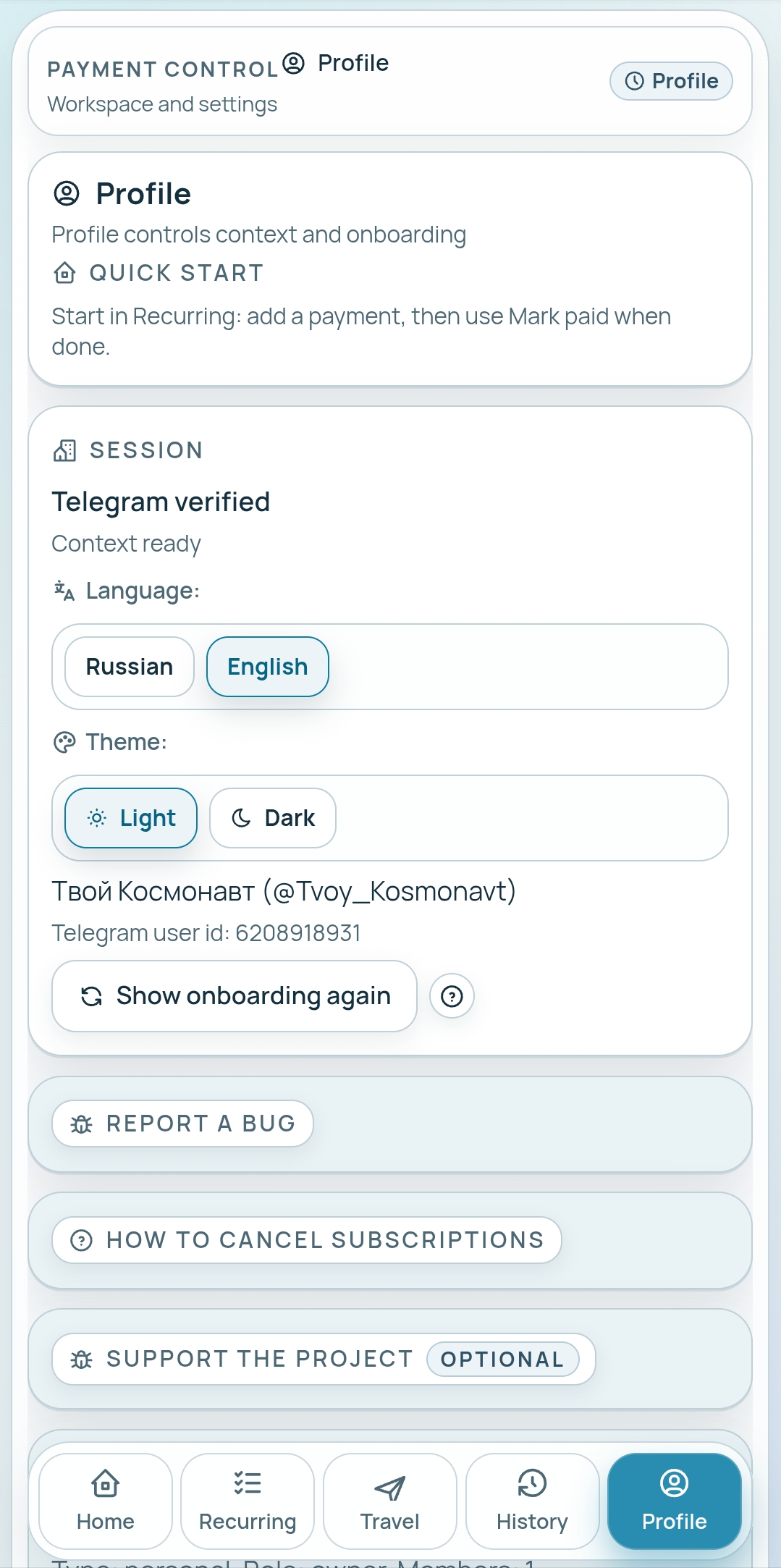
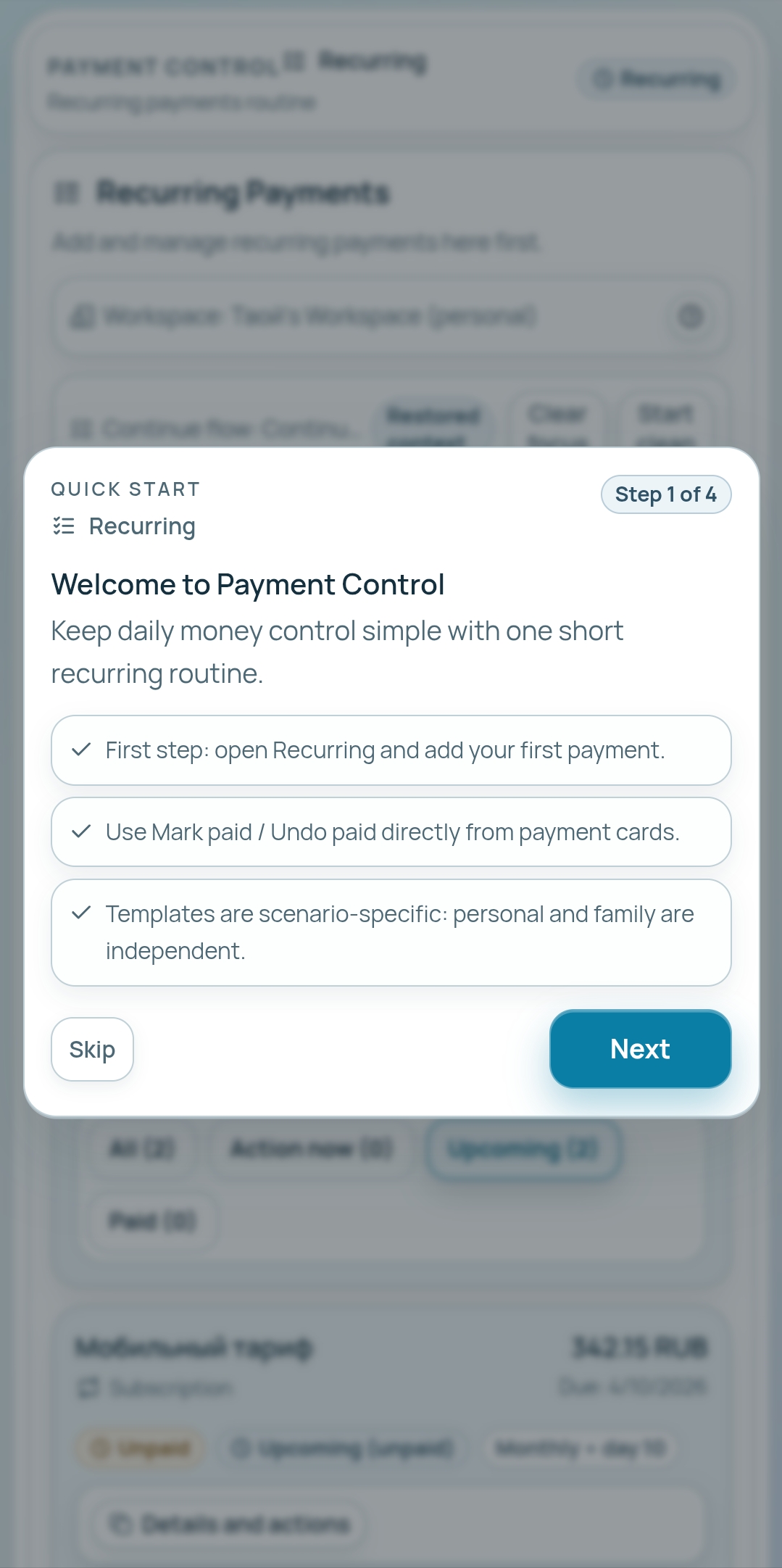
Payment Control is a simple and practical app for tracking recurring payments, subscriptions, family budgets, and shared trip expenses in one place. The app helps users stay on top of regular bills, avoid forgotten payments, and keep a clear overview of upcoming and overdue expenses. You can add recurring payments, mark them as paid, review payment history, and manage your spending with a clean mobile-first interface. Payment Control also supports different real-life usage scenarios. It can be used by one person for personal expenses, by families for shared budget visibility, and by groups for travel expense tracking and bill splitting. In trip mode, users can create trips, add participants, record expenses, track balances, and review expense history in a structured and transparent way. The app is designed to be easy to understand from the first launch. It focuses on fast daily use, low entry barrier, and clear navigation without unnecessary complexity. Payment Control brings regular payments, shared budgets, and travel expenses together in one convenient app.
Click the "Open Bot" button above to open this bot in the Telegram app
2
Start the Conversation
Press the /start command or tap the Start button to begin interacting
3
Explore Features
Commands, menus and features depend on the bot. Follow its own instructions.
Frequently Asked Questions
Common questions about Telegram bots
A Telegram bot is an automated program that runs inside the Telegram messenger. Bots respond to commands, process messages, and provide services like automation, information lookup, file processing, and entertainment. Tap Start to begin interacting.
Commands, menus and features depend on the bot. Follow its own instructions.
A catalog listing is not a safety check. Review the operator and requested permissions.
Prices and limits are set by each service. Check its terms before paying.

 1
)
1
)
 B
B
 R
R
 K
K
 P
P