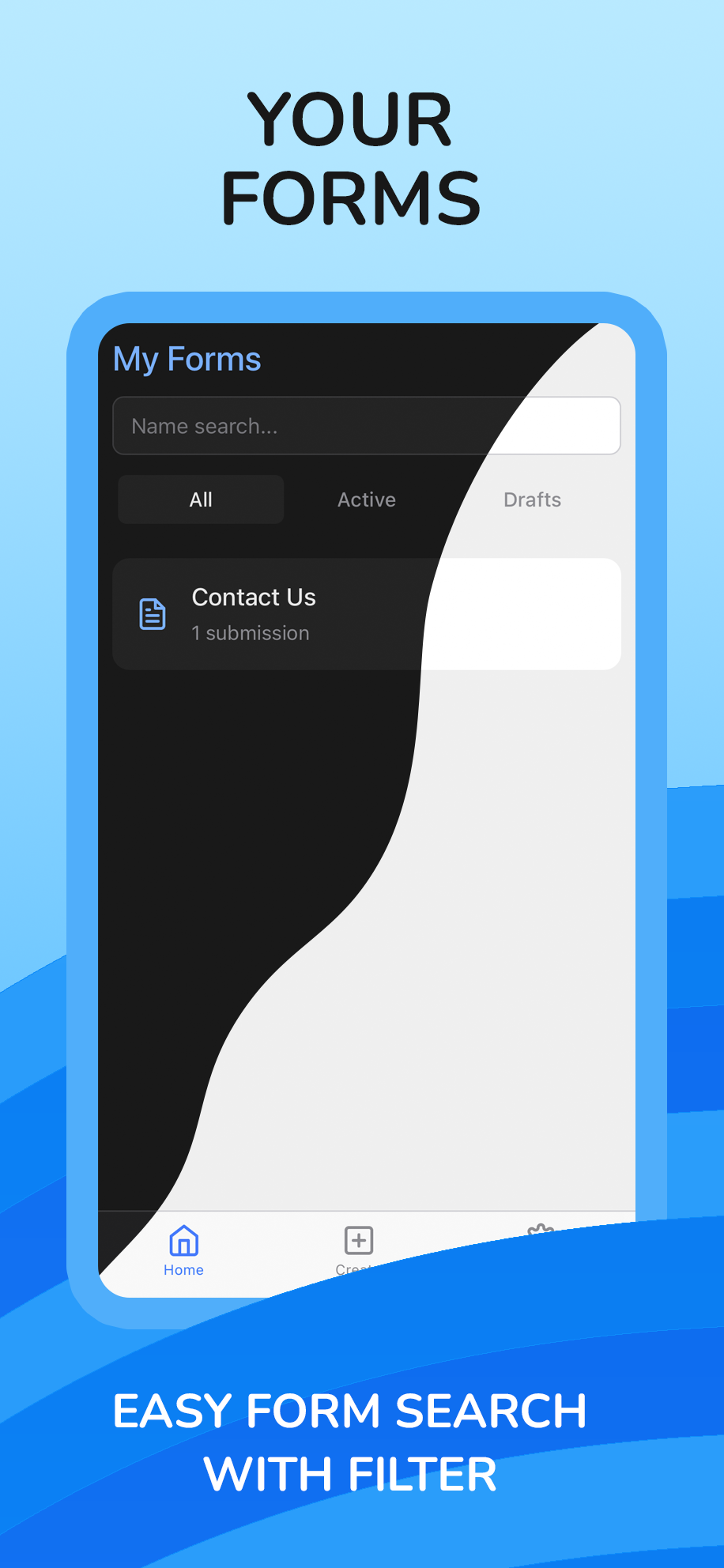
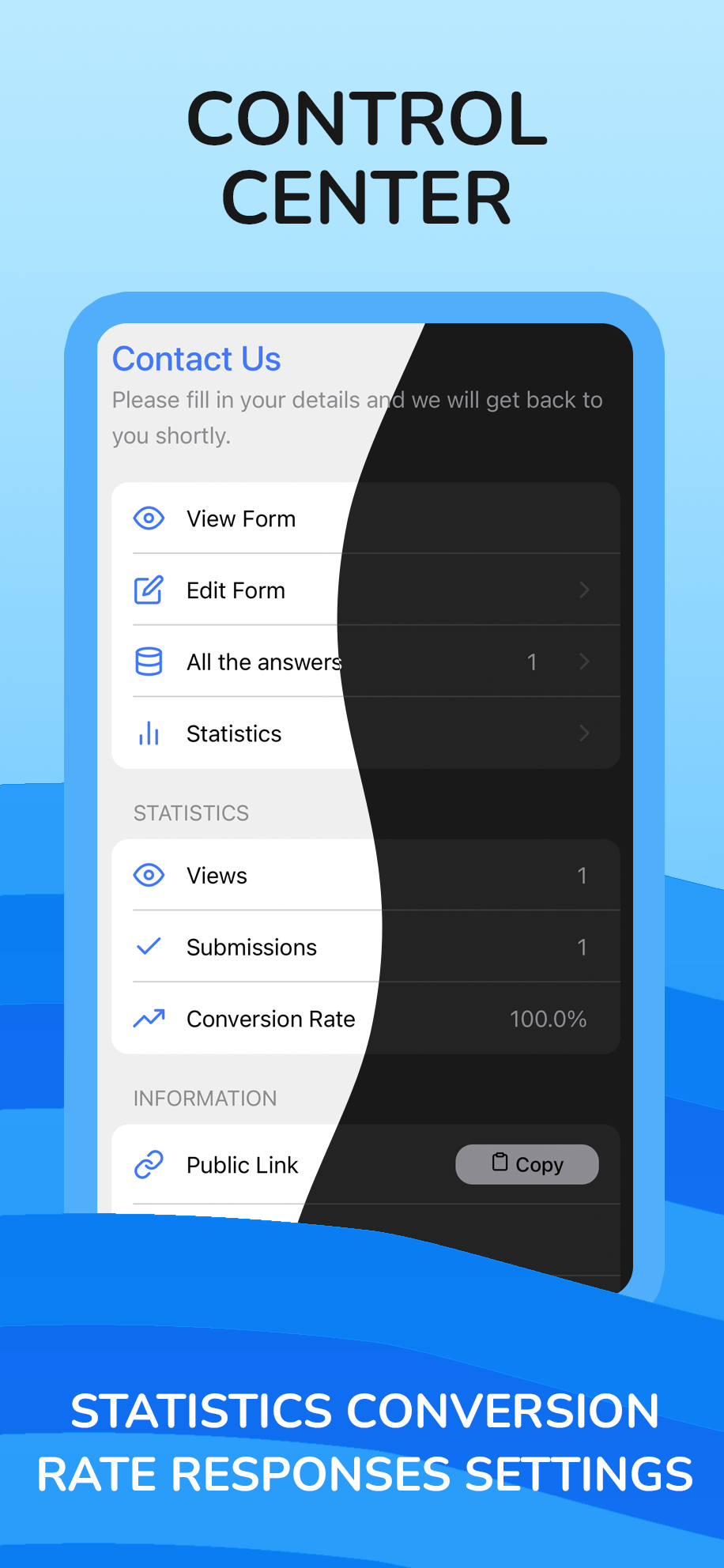
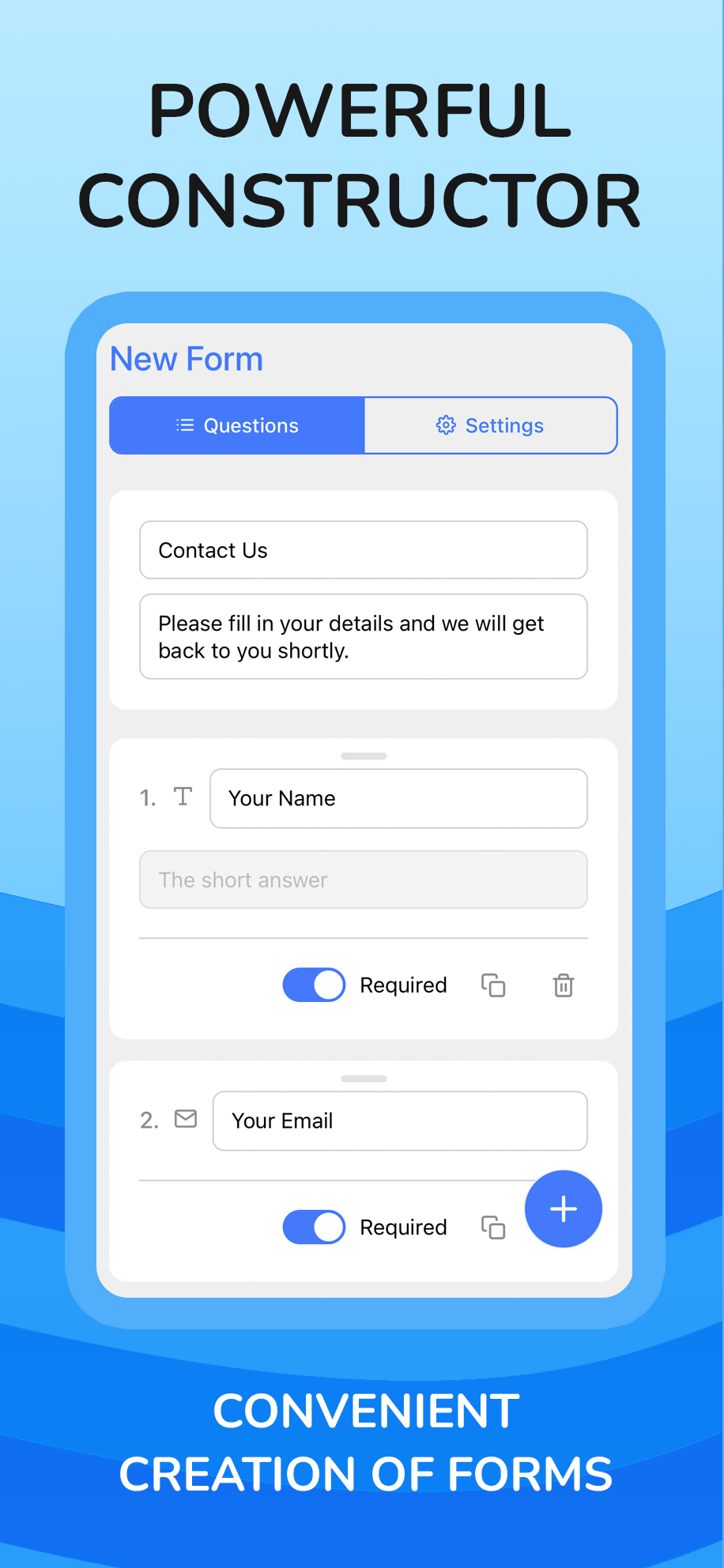
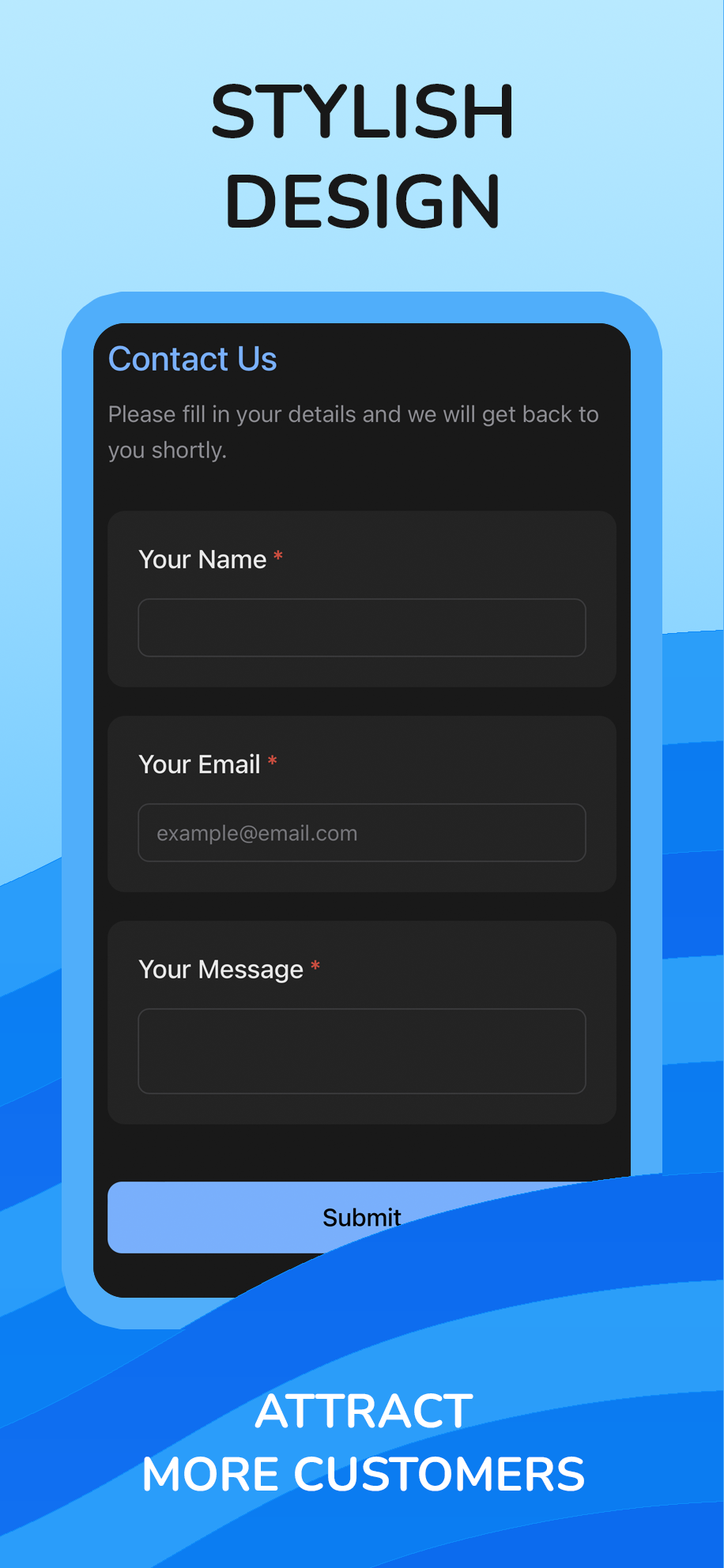
Quick Form 🚀 is your all-in-one tool for creating forms, polls, and surveys, fully integrated into Telegram. Stop juggling multiple services—now your entire data collection workflow can happen inside your favorite messenger.What do you get with Quick Form? ✍️ Powerful Builder: Create forms of any complexity in minutes. Use a drag-and-drop interface, over 12 advanced question types (including File Uploads, Ratings, and Phone), and customize logic and design. ✨ Template Library: Get started in seconds! You have access to a huge library of over 30 professionally designed templates for business, events, education, and personal needs. 📊 Smart Analytics: Don't just collect data—understand it. Get insightful statistics with beautiful charts, track form views, submission counts, and conversion rates in real time. 🔔 Instant Notifications: Receive alerts for every new submission directly to your Telegram or email, so you never miss a lead. 🔗 Seamless Sharing: Share your forms with direct deep links or QR codes that instantly open the app for your respondents, creating the most native experience possible. ⬇️ Data Export: Easily export all submission data to an .xlsx (Excel) file for further analysis.Quick Form is perfect for businesses, content creators, event organizers, and anyone who wants to gather information with ease and style
Click the "Open Bot" button above to open this bot in the Telegram app
2
Start the Conversation
Press the /start command or tap the Start button to begin interacting
3
Explore Features
Commands, menus and features depend on the bot. Follow its own instructions.
Frequently Asked Questions
Common questions about Telegram bots
A Telegram bot is an automated program that runs inside the Telegram messenger. Bots respond to commands, process messages, and provide services like automation, information lookup, file processing, and entertainment. Tap Start to begin interacting.
Commands, menus and features depend on the bot. Follow its own instructions.
A catalog listing is not a safety check. Review the operator and requested permissions.
Prices and limits are set by each service. Check its terms before paying.

 518
)
518
)