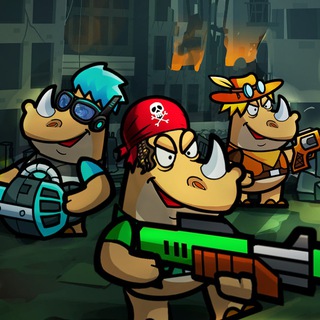
Get ready for an epic space adventure! 🚀 Join forces with mighty rhinos to defend the galaxy from unknown threats. Its time to unleash your inner hero and save the cosmos! Want to connect with fellow defenders? 💬 Hop into our official Telegram community chat! Share strategies, discuss missions, and stay updated with the latest news. Dont miss a beat! 🔔 Follow us on X (formerly Twitter) for announcements, sneak peeks, and all things Rhinovachat. Let the cosmic battle begin!
Click the "Open Bot" button above to open this bot in the Telegram app
2
Start the Conversation
Press the /start command or tap the Start button to begin interacting
3
Explore Features
Commands, menus and features depend on the bot. Follow its own instructions.
Frequently Asked Questions
Common questions about Telegram bots
A Telegram bot is an automated program that runs inside the Telegram messenger. Bots respond to commands, process messages, and provide services like automation, information lookup, file processing, and entertainment. Tap Start to begin interacting.
Commands, menus and features depend on the bot. Follow its own instructions.
A catalog listing is not a safety check. Review the operator and requested permissions.
Prices and limits are set by each service. Check its terms before paying.
 571
)
571
)
 R
R
 G
G