@the_wallbot Telegram Bot

The Wall | Task Manager — Telegram Bot {{ $bot->code }}
Scan to open on phone
The Wall | Task Manager — Telegram Bot {{ $bot->code }}
Bot address: @the_wallbot
Categories: Productivity
Description from Bot

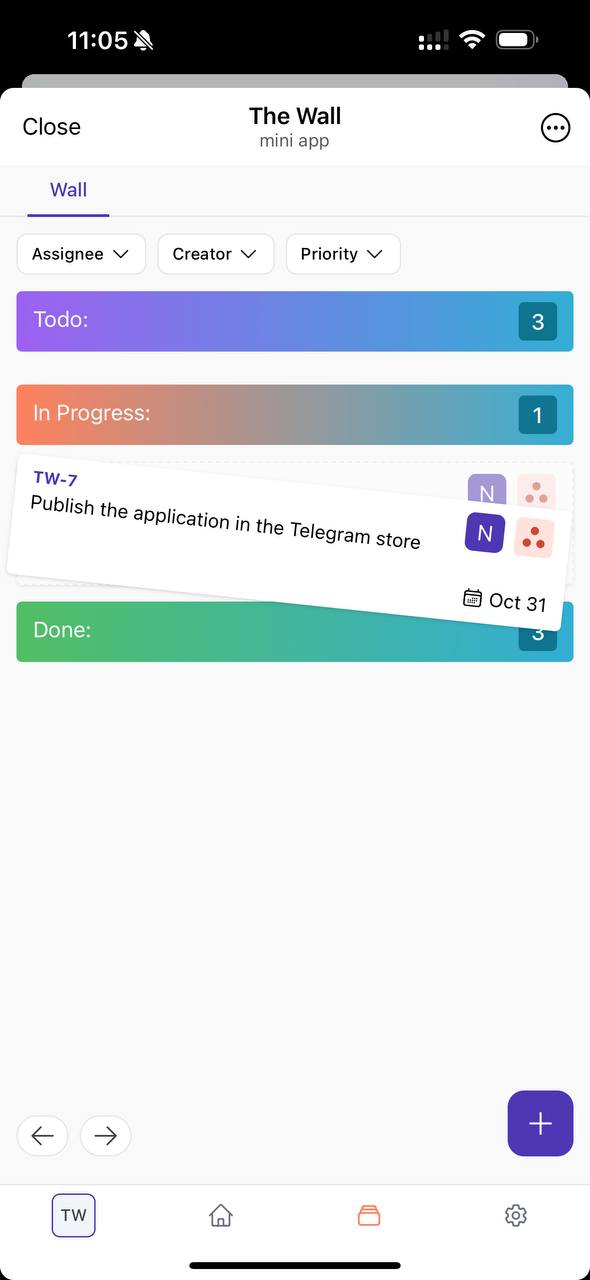
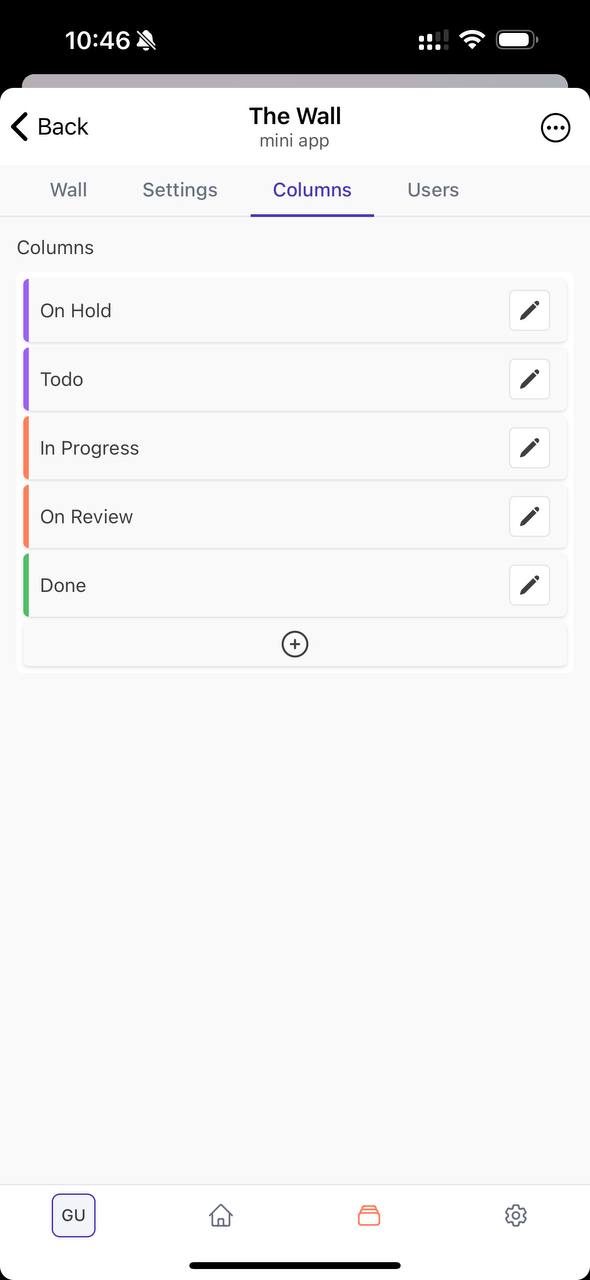
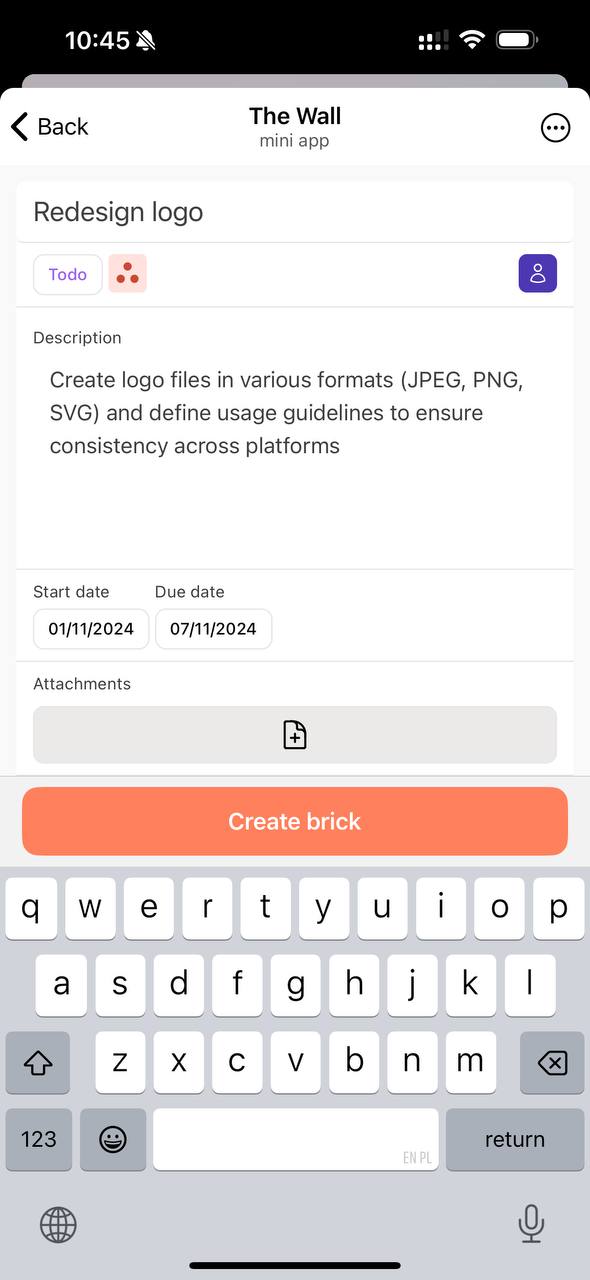
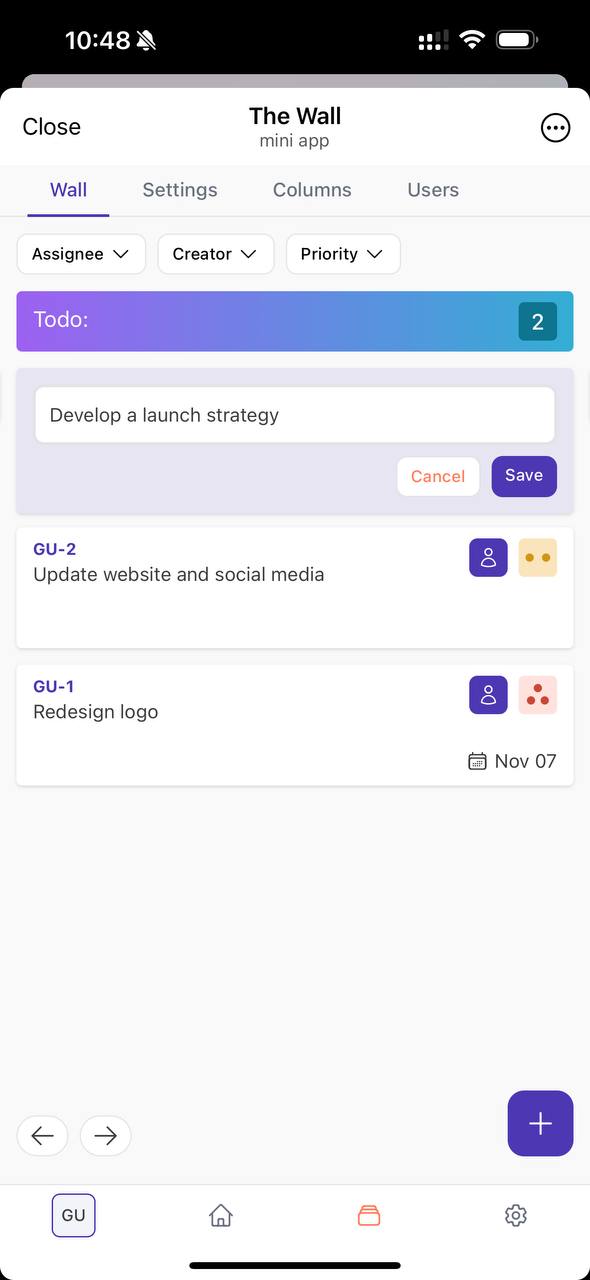
Manage tasks right in Telegram! Task boards, external collaborators, statuses, priorities, etc.
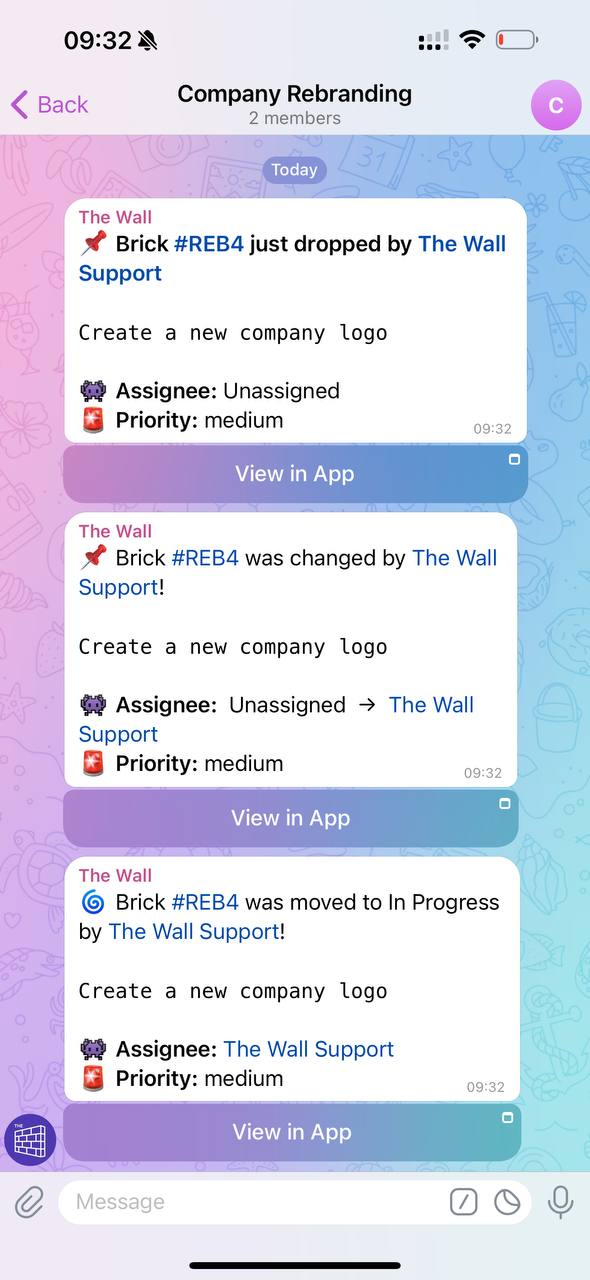
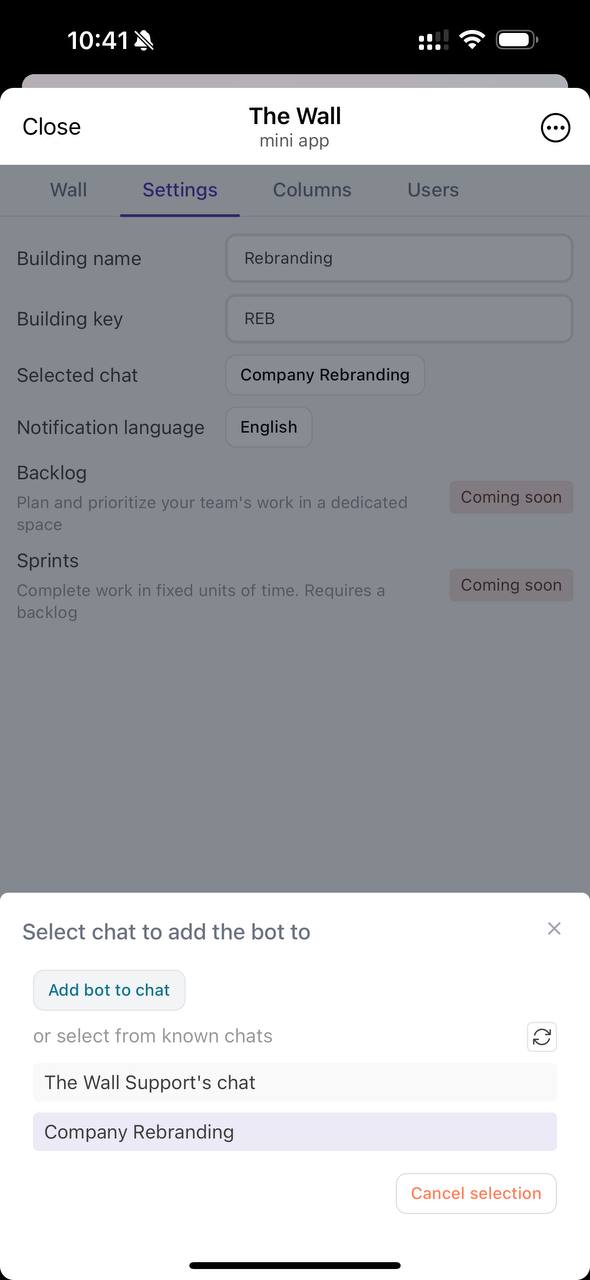
The Wall is a powerful task management tool! Easily manage tasks with The Wall. Create fully customizable boards and add as many statuses as you need to fit any process. Keep everything transparent and track progress visually with our unique brick-by-brick approach.Create personal or team projects, manage them in Telegram chats, or in our app! Invite users to your projects with different roles, controlling data access for external users. Effortlessly create tasks with a few clicks or commands, keeping everything flowing smoothly.Stay on top of things with real-time notifications and our intuitive dashboard, so you’re always up-to-date!Crush your To-Dos, let’s build! Follow us: @the_wall_news_en

Share this bot:
Transitions to the bot: ( 73 )

Ratings & Reviews

4.00

3 reviews

Reviews can be left only by registered users. All reviews are moderated by admins.

5 stars

1

4 stars

1

3 stars

1

2 stars

0

1 stars

0


The Wall | Task Manager — Screenshot 1 The Wall | Task Manager — Screenshot 2 The Wall | Task Manager — Screenshot 3 The Wall | Task Manager — Screenshot 4 The Wall | Task Manager — Screenshot 5 The Wall | Task Manager — Screenshot 6

How to Start

1

Open Bot in Telegram

Click the "Open Bot" button above to open this bot in the Telegram app
2

Start the Conversation

Press the /start command or tap the Start button to begin interacting
3

Explore Features

Use the menu button or type /help to discover all available commands

Frequently Asked Questions

Common questions about Telegram bots

A Telegram bot is an automated program that performs various tasks within Telegram messenger. Bots can send messages, answer questions, process commands, automate workflows, and provide services like weather updates, language translation, or task management.
Click the "Open Bot" button on this page, then tap /start in the chat with the bot. Follow the bot instructions or use available commands shown in the menu button. Most bots provide a /help command to see all available features.
Most Telegram bots are safe. However, avoid sharing sensitive personal information, passwords, or payment details unless you trust the developer. Check bot ratings, reviews, and number of users before using. Avoid bots asking for unusual permissions.

Most Telegram bots are completely free. Some bots offer premium features through subscriptions or one-time payments, but basic functionality is typically free. Check the bot description for pricing information.


Bots are interactive programs that respond to commands and automate tasks. Channels are broadcast platforms where admins post content. You interact with bots (two-way), while channels provide one-way communication (you just receive updates).
Bot commands start with a forward slash (/) like /start, /help, or /settings. Type the command and send it to the bot. Many bots also have a menu button showing available commands. Some advanced bots understand natural language without needing specific commands.