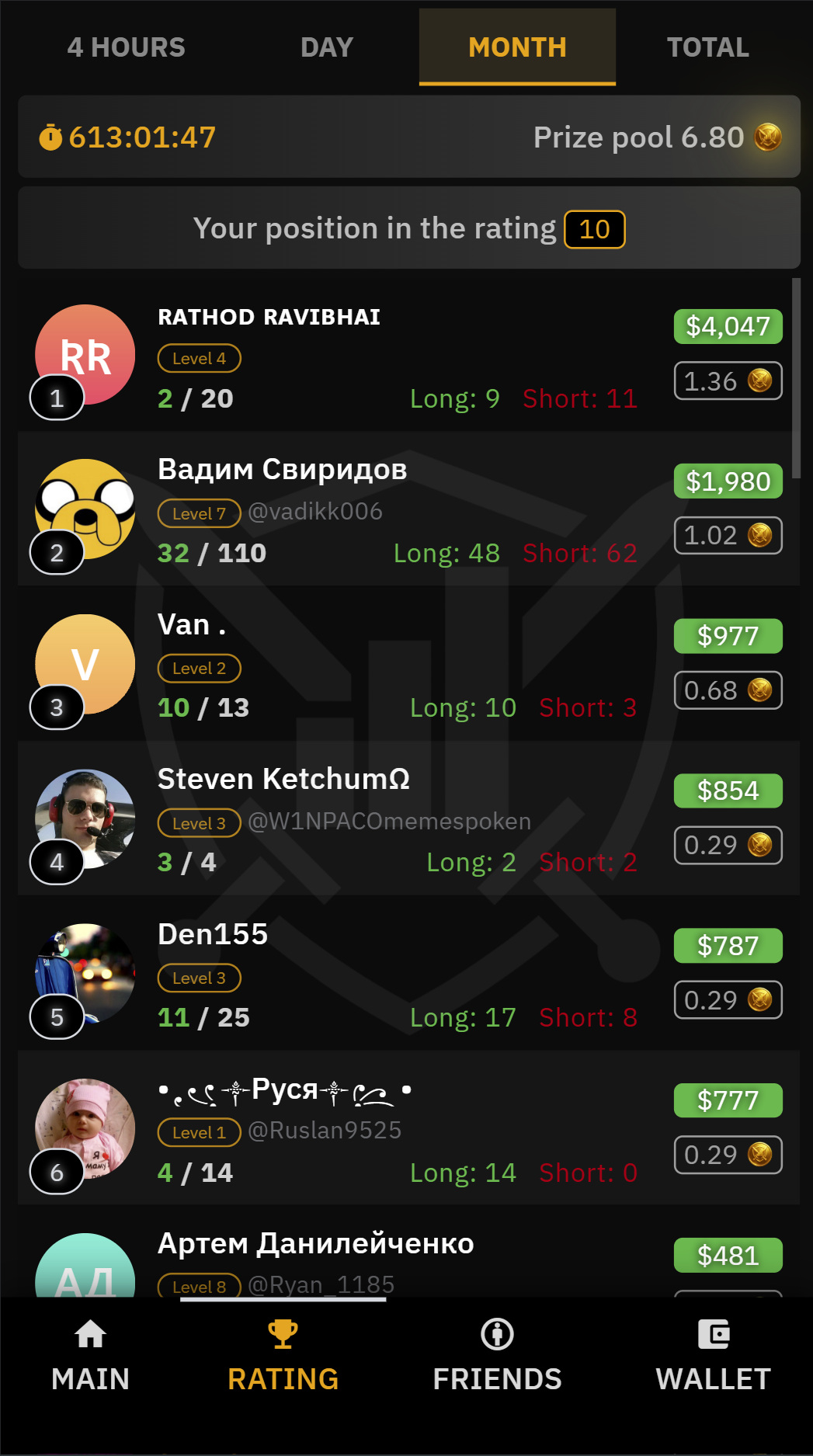
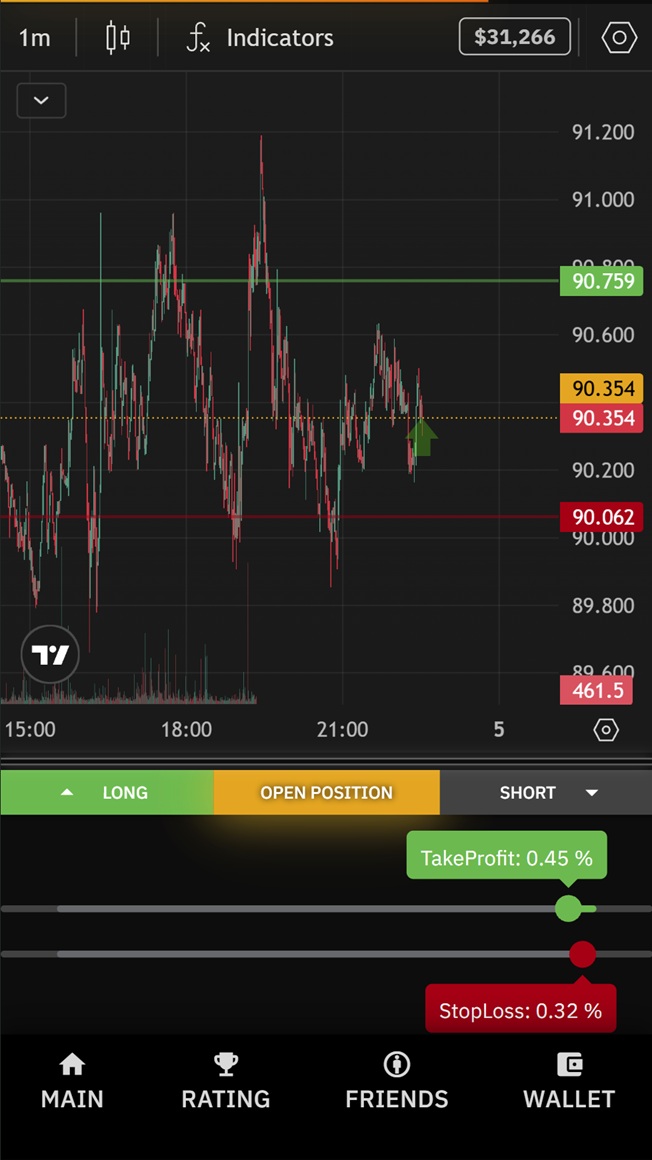
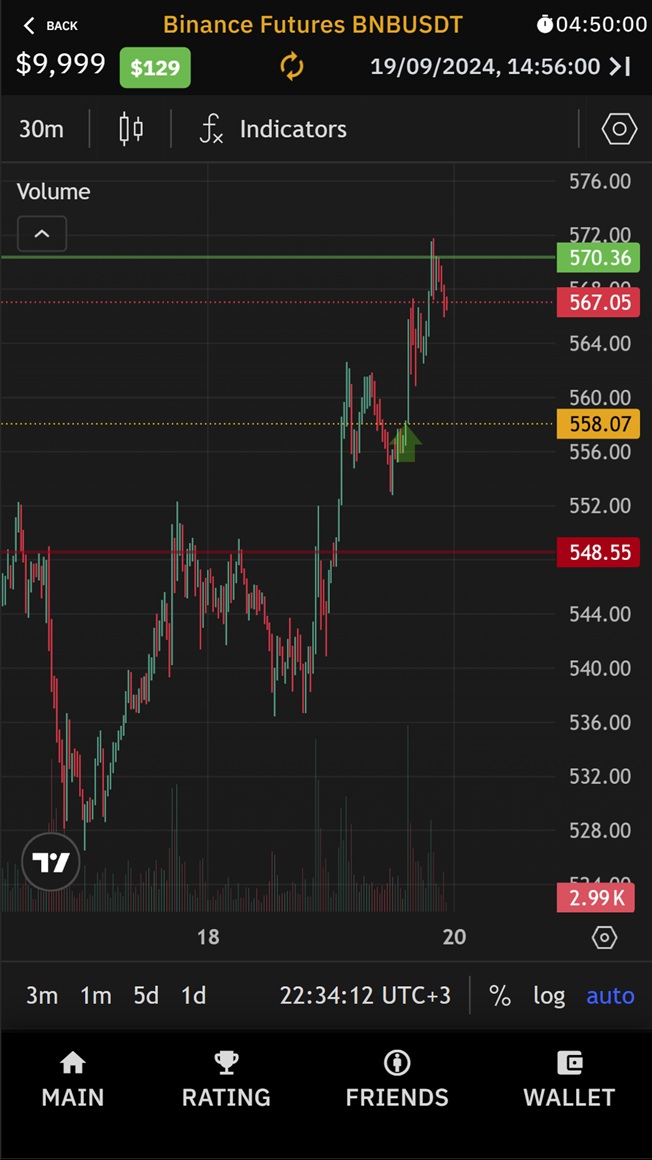
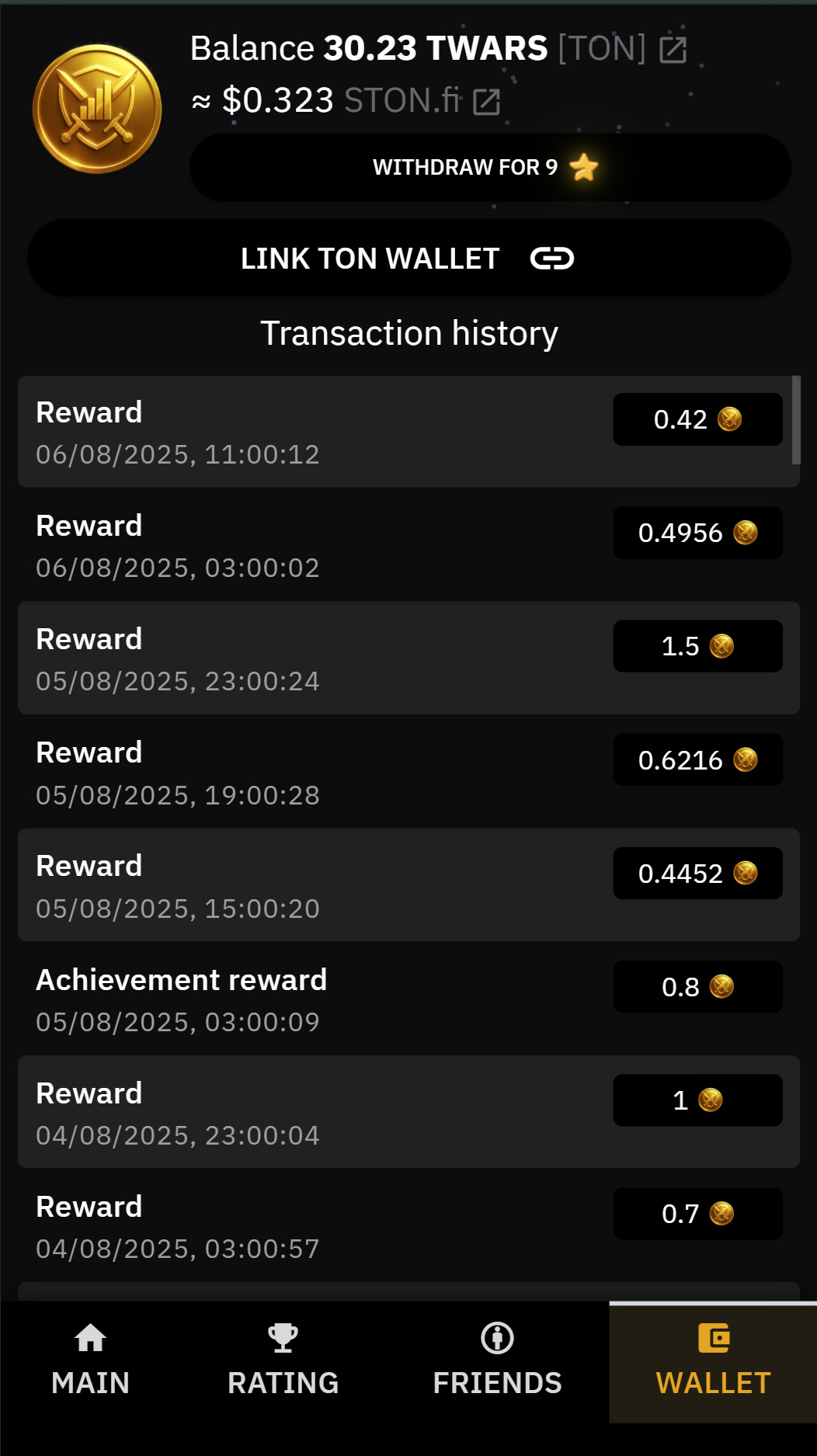
The player is presented with a virtual trading chart. The goal is to open a trading position (LONG or SHORT) at the right time and increase the temporary trading balance.Charts are generated based on historical data from the top 30 cryptocurrencies on Binance. A random time period with notable price action is selected. For example, it could be a chart of Solana from one day last summer. The price is normalized to $100, and the volume to 1,000 tokens. The name of the asset is not shown until the position is opened.Rankings and RewardsUsers with the highest PnL appear on the leaderboard.After each 4-hour ranking period, balances reset and a new round begins.The prize pool is formed from TG Stars spent by users during the round.Top players can earn TWARS tokens.
Click the "Open Bot" button above to open this bot in the Telegram app
2
Start the Conversation
Press the /start command or tap the Start button to begin interacting
3
Explore Features
Commands, menus and features depend on the bot. Follow its own instructions.
Frequently Asked Questions
Common questions about Telegram bots
A Telegram bot is an automated program that runs inside the Telegram messenger. Bots respond to commands, process messages, and provide services like automation, information lookup, file processing, and entertainment. Tap Start to begin interacting.
Commands, menus and features depend on the bot. Follow its own instructions.
A catalog listing is not a safety check. Review the operator and requested permissions.
Prices and limits are set by each service. Check its terms before paying.


 1
)
1
)





























![Logo of telegram channel gameinn_en — Game Inn / EN [GameFi]](https://logos.telegram-store.com/channels/gameinn-en/telegram_logo.jpg)
![Logo of Telegram chat mstation_bscs — Mstation Official [ENG]](https://logos.telegram-store.com/chats/mstation-bscs/telegram_logo.jpg)