WTS - Gift Sniper — @wtstonbot Telegram Bot

WTS - Gift Sniper — Telegram Bot @wtstonbot
Scan to open on phone
WTS - Gift Sniper — Telegram Bot @wtstonbot
Bot address: @wtstonbot
Description from Bot

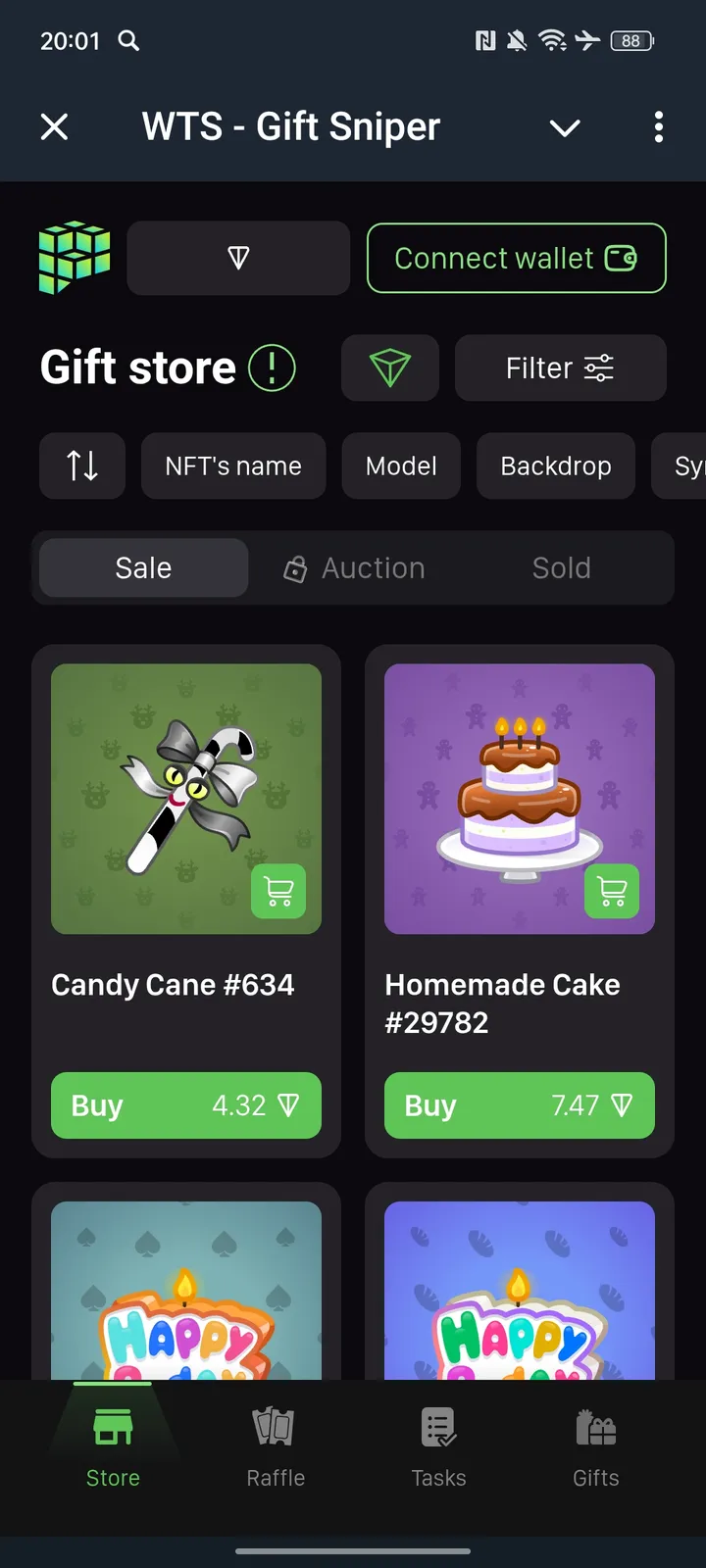
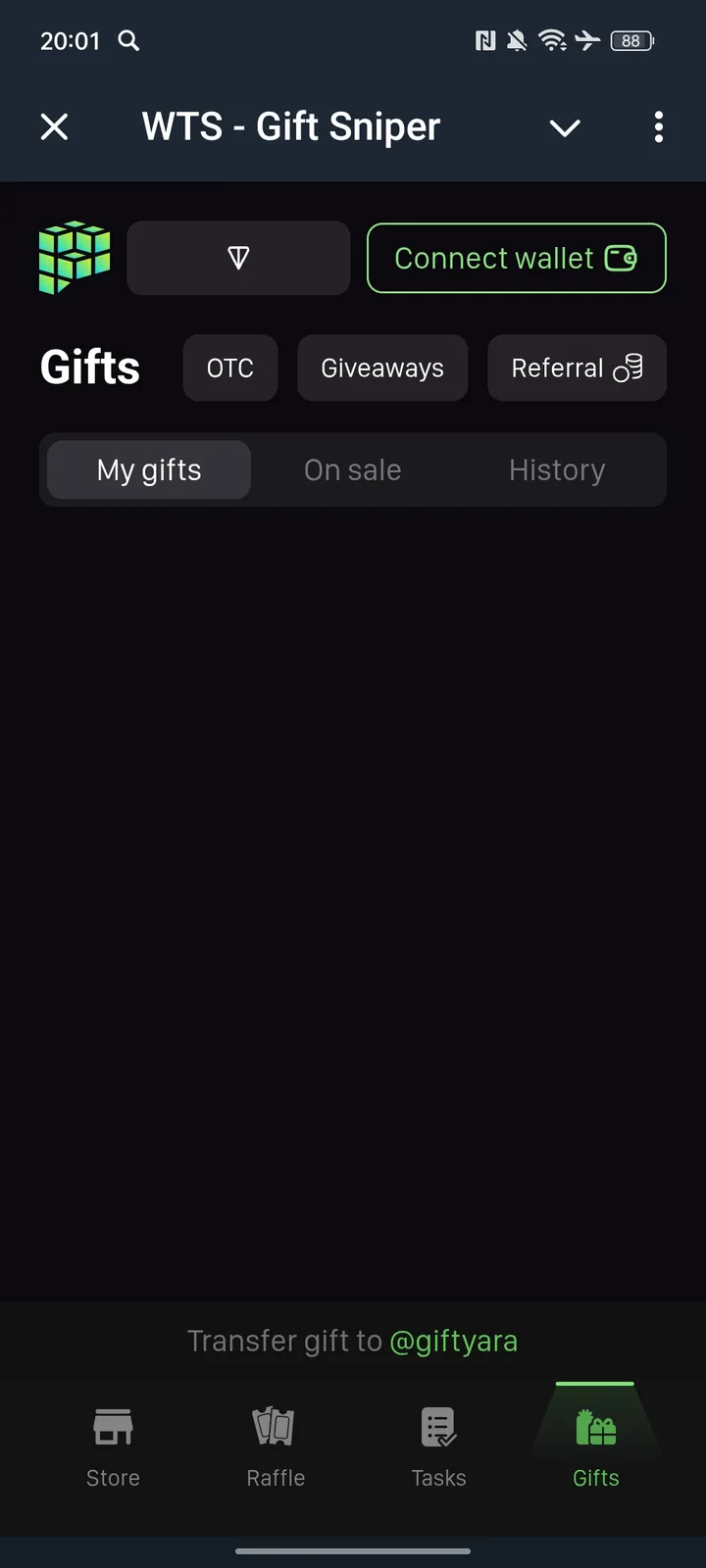
🎁 WTS - Telegram MarketplaceHow to put it up for sale?1. Connect a wallet2. To sell a gift, go to the «My gifts» tab3. Transfer the gift to your @giftyara4. In the «Gifts» section, on the «My gifts» tab, select a gift and click on the «Sell the gift» button5. Set the price and click on the «Sell» button, confirm the sale6. Congratulations, your gift is for saleHow do I buy a gift?1. Connect a wallet2. Start a dialogue and write a message to the @giftyara3. In the «Store» tab, select a gift and click «Buy»4. Confirm the selection and make the payment5. Congratulations on your purchase, your gift is in your profile in our service

Share this bot:
Transitions to the bot: ( 521 )

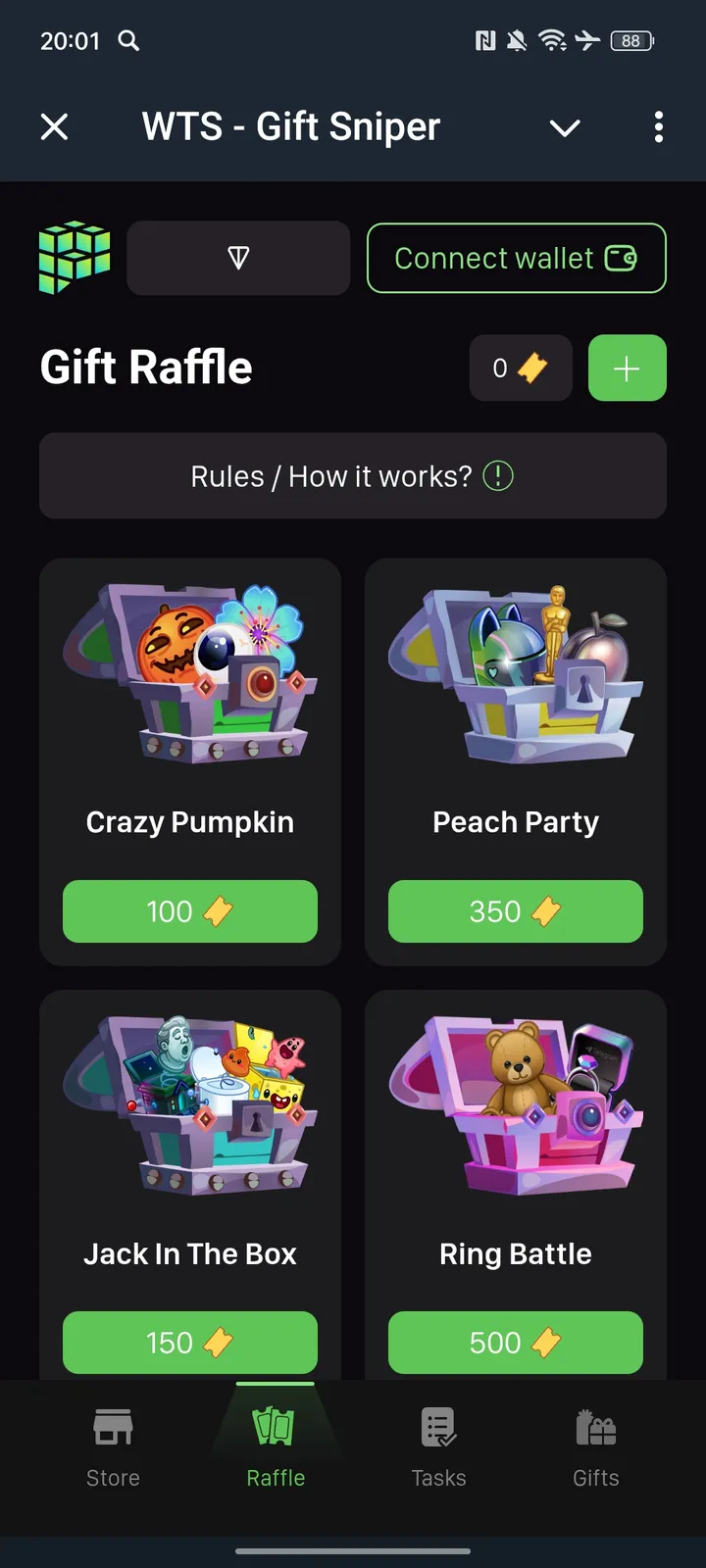
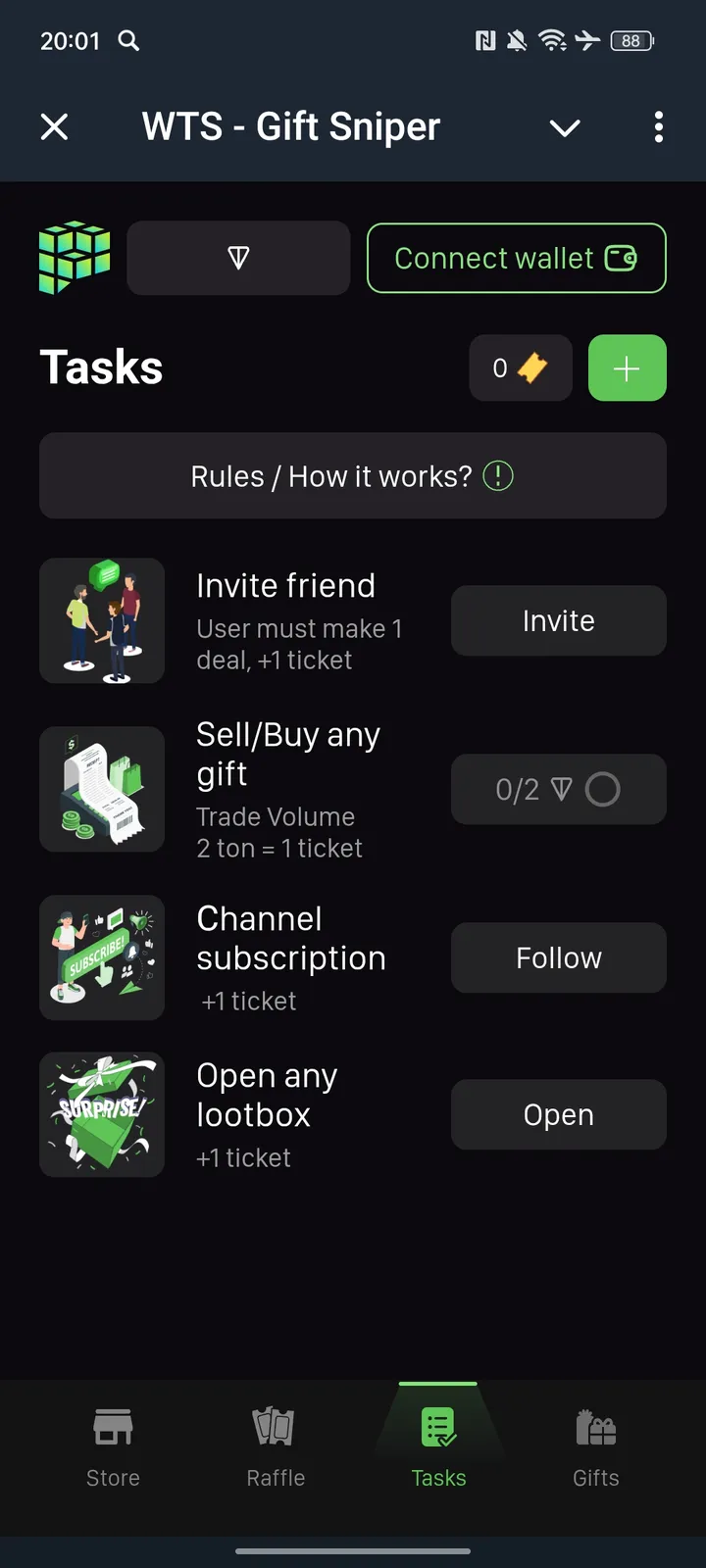
WTS - Gift Sniper — Screenshot 1 WTS - Gift Sniper — Screenshot 2 WTS - Gift Sniper — Screenshot 3 WTS - Gift Sniper — Screenshot 4

How to Start

1

Open Bot in Telegram

Click the "Open Bot" button above to open this bot in the Telegram app
2

Start the Conversation

Press the /start command or tap the Start button to begin interacting
3

Explore Features

Commands, menus and features depend on the bot. Follow its own instructions.

Frequently Asked Questions

Common questions about Telegram bots

A Telegram bot is an automated program that runs inside the Telegram messenger. Bots respond to commands, process messages, and provide services like automation, information lookup, file processing, and entertainment. Tap Start to begin interacting.
Commands, menus and features depend on the bot. Follow its own instructions.
A catalog listing is not a safety check. Review the operator and requested permissions.
Prices and limits are set by each service. Check its terms before paying.