Calendar — @calendar0bot Telegram Bot

Calendar — Telegram Bot @calendar0bot
Scan to open on phone
Calendar — Telegram Bot @calendar0bot
Bot address: @calendar0bot
Categories: Productivity
Language: All languages
Description from Bot

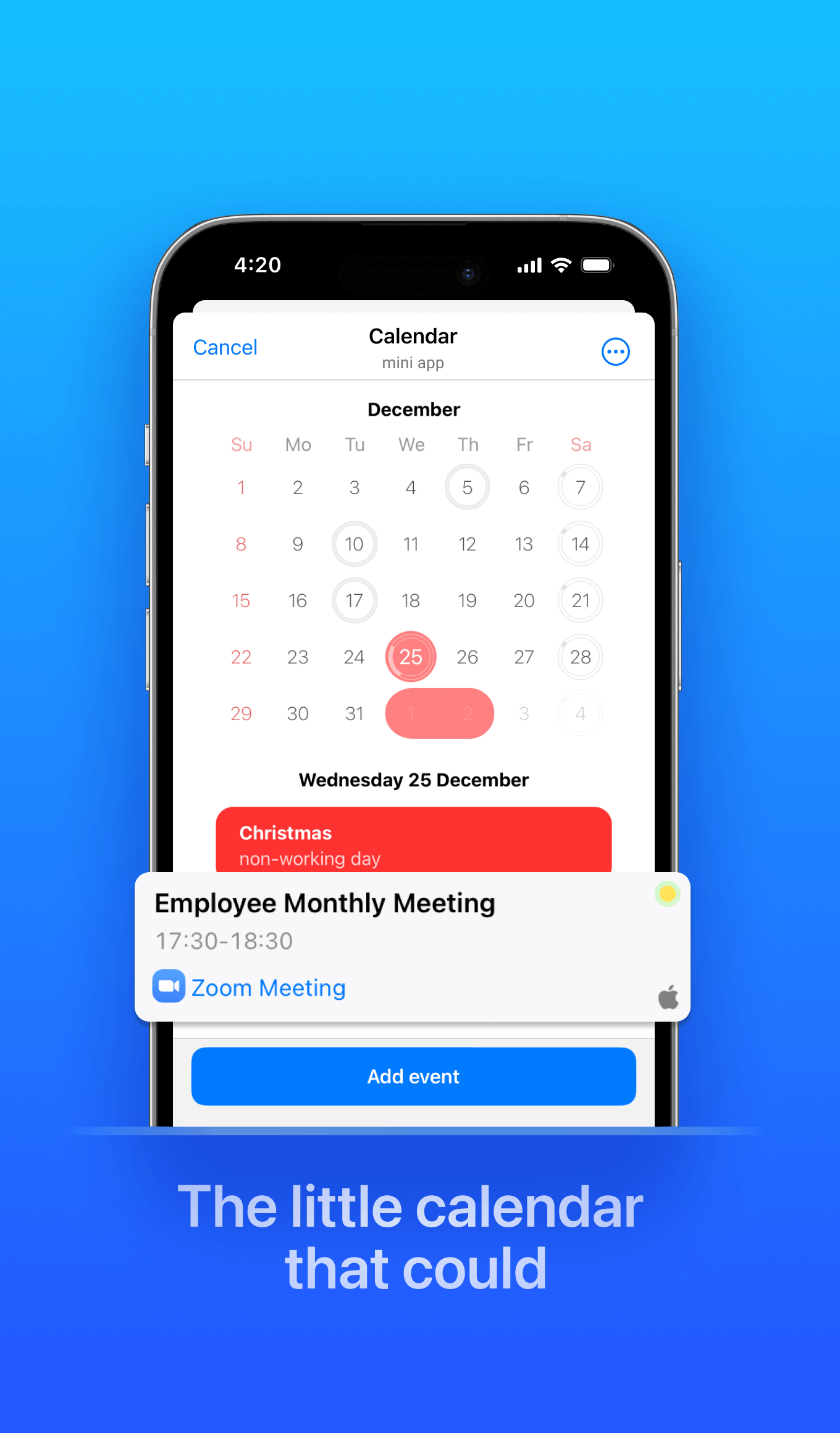
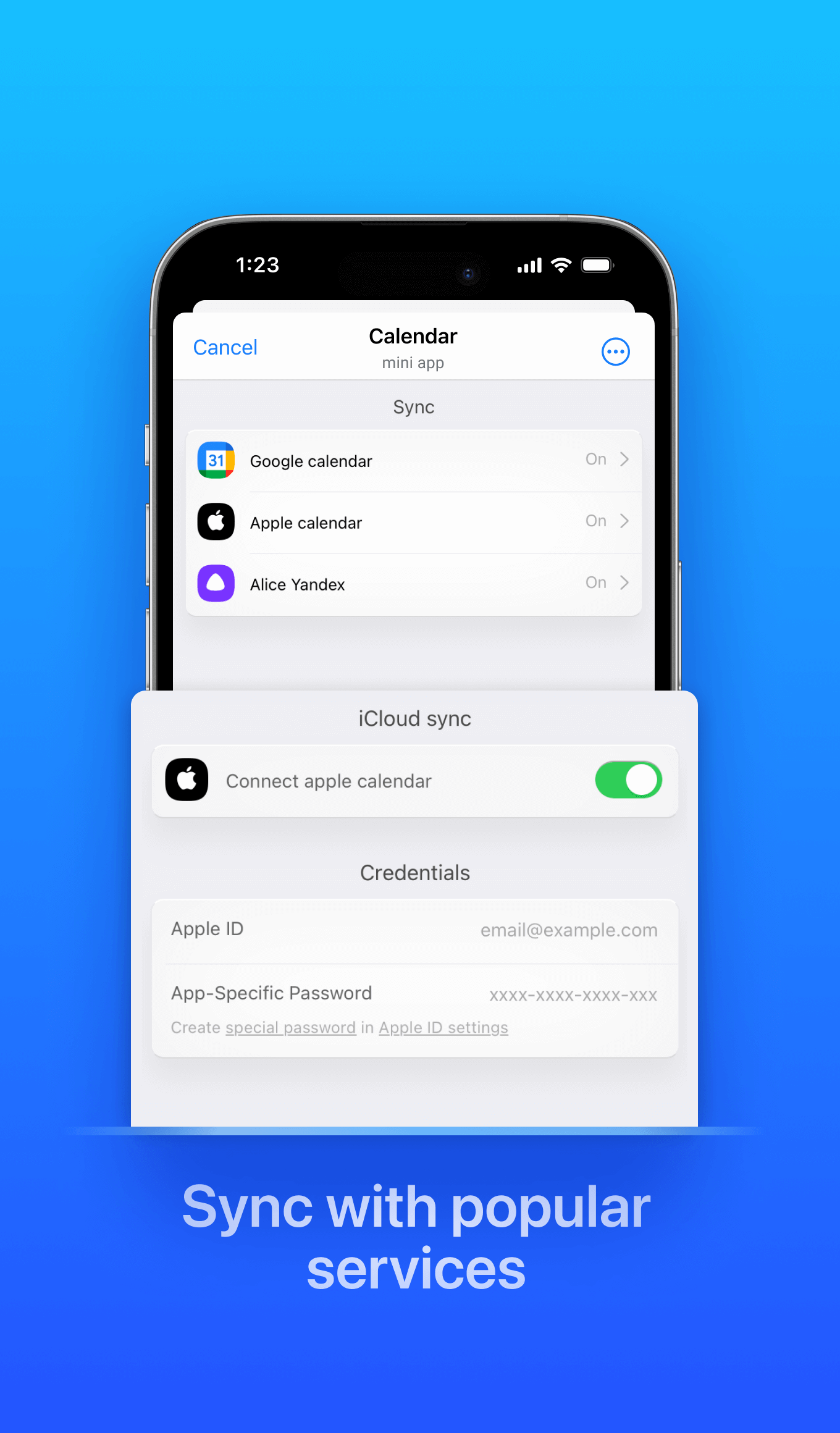
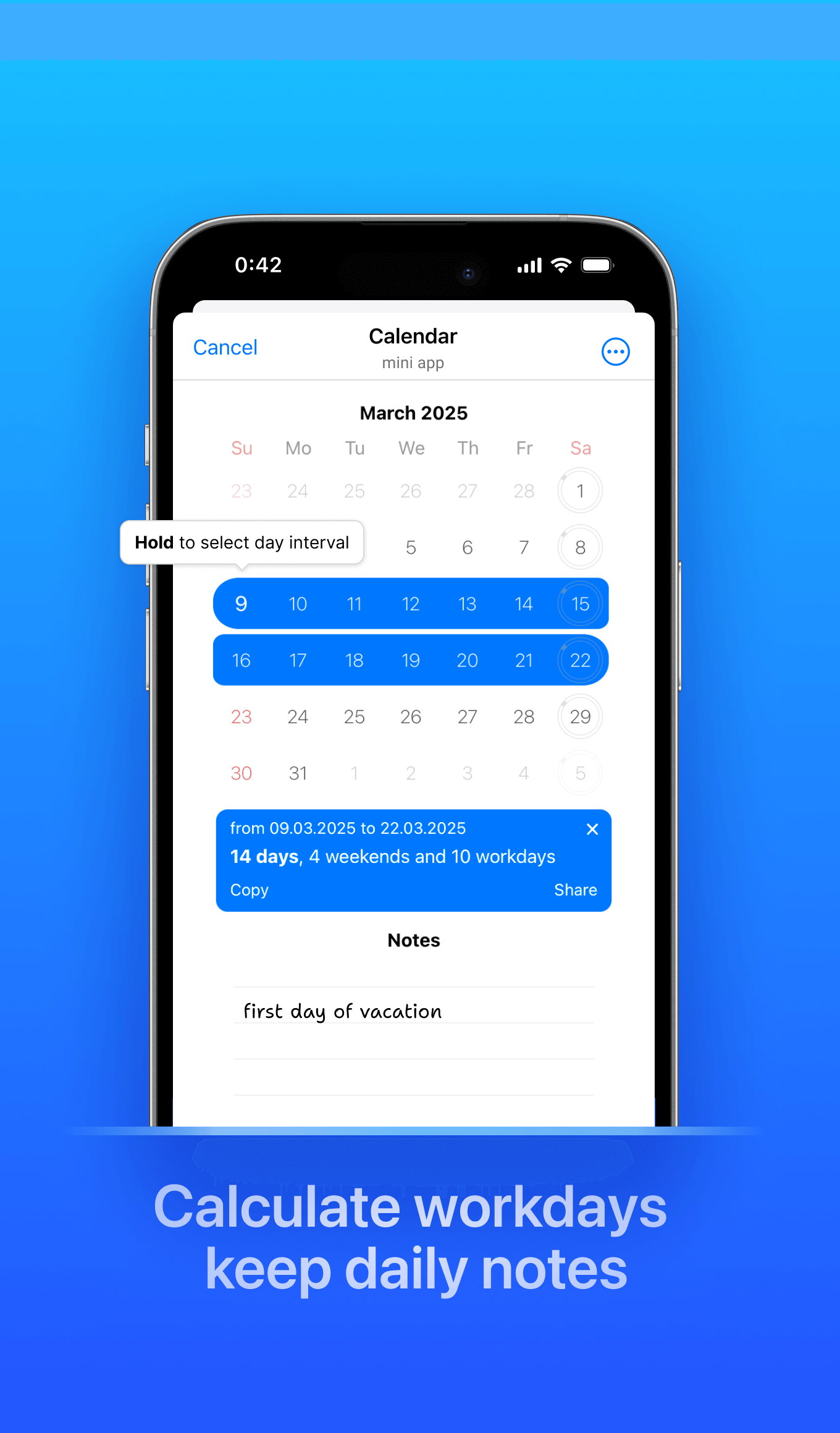
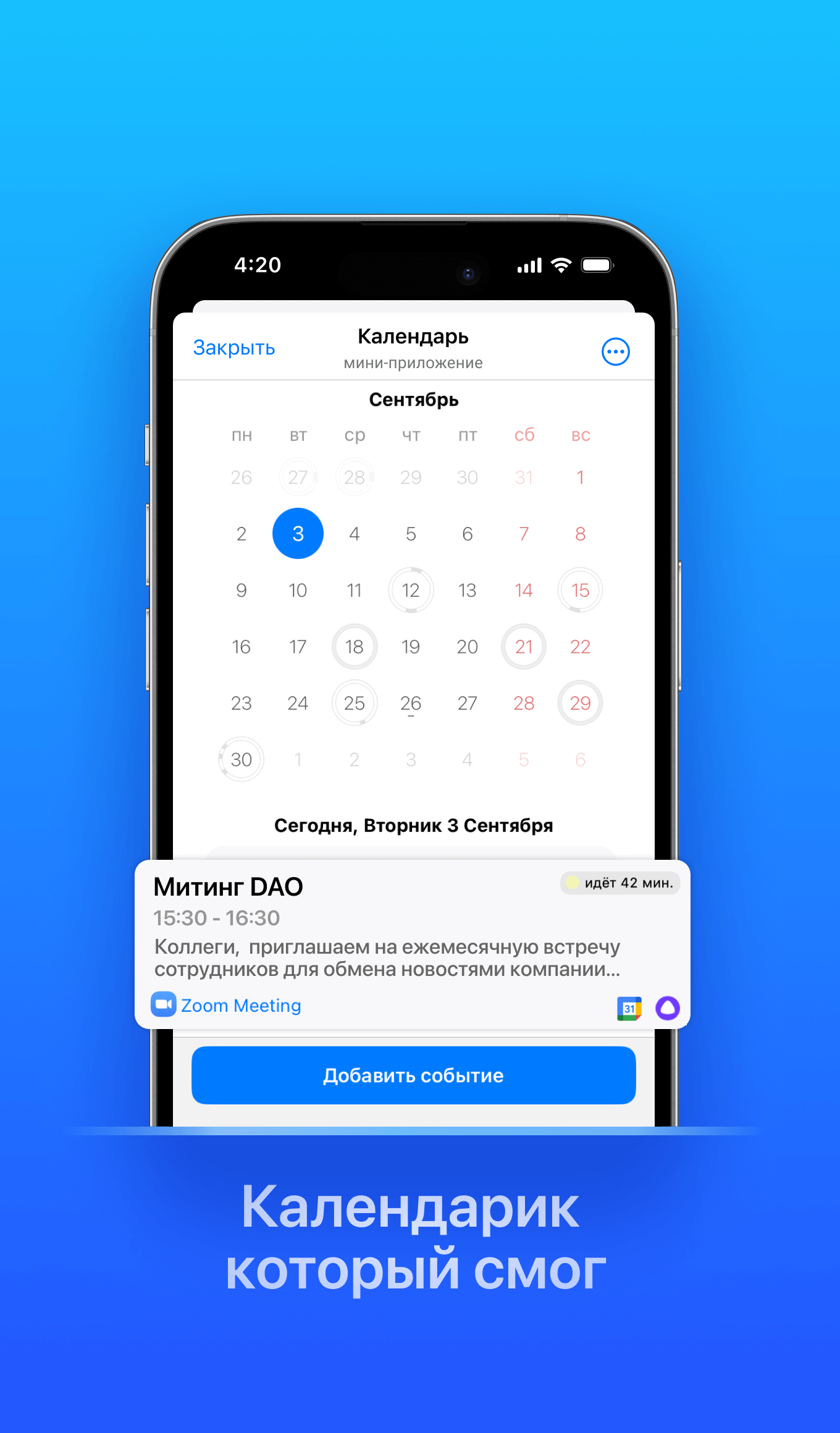
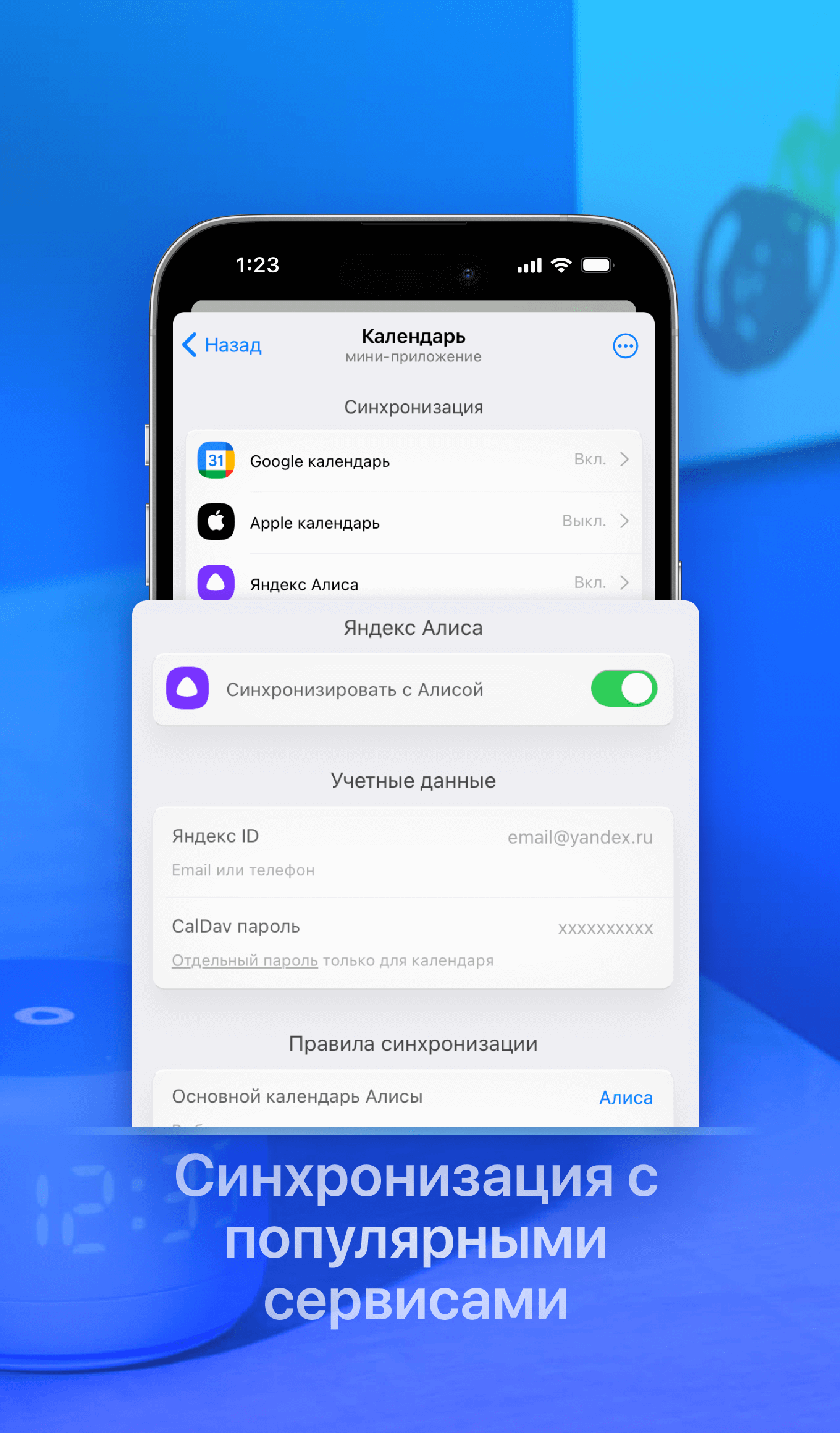
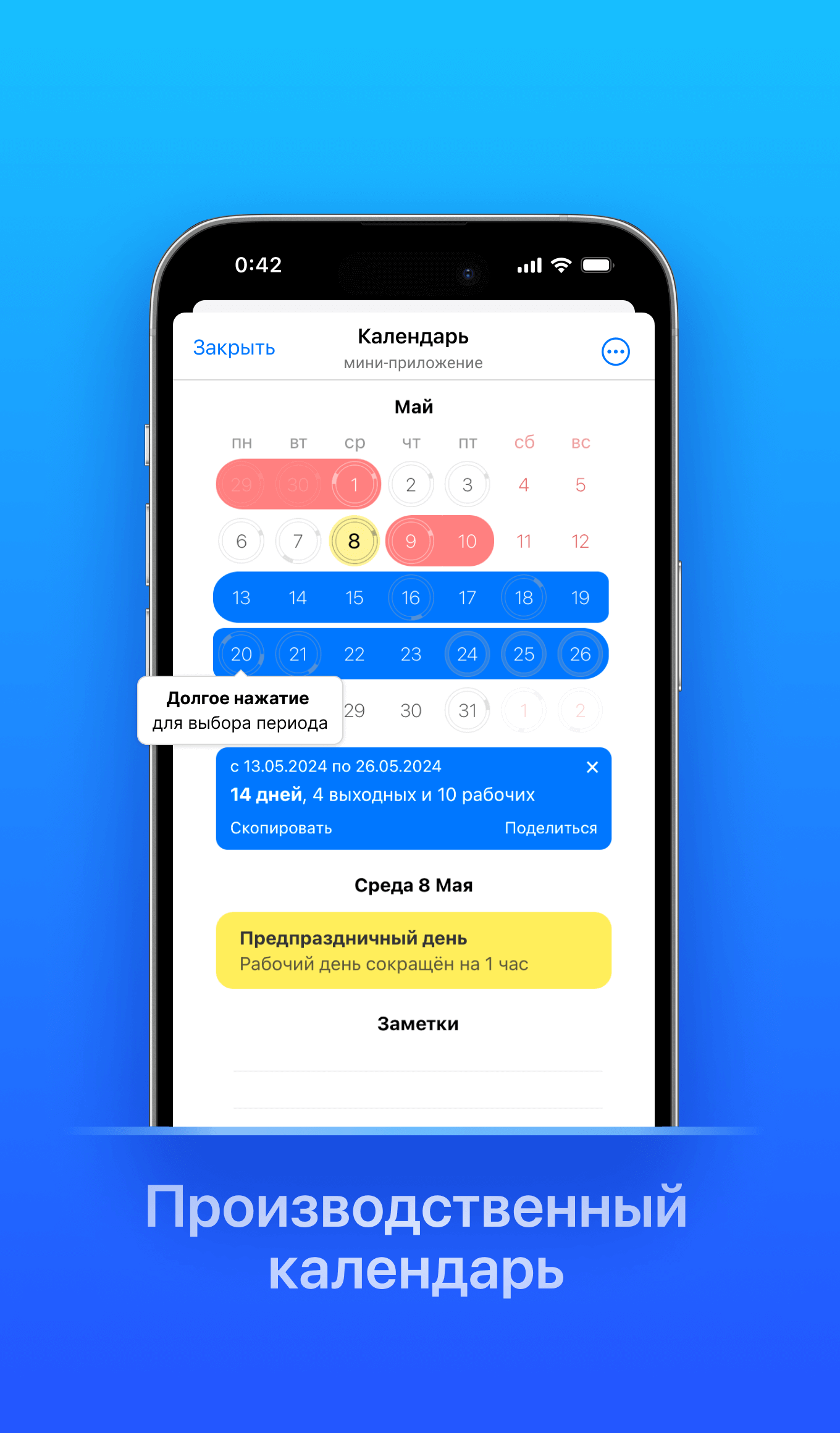
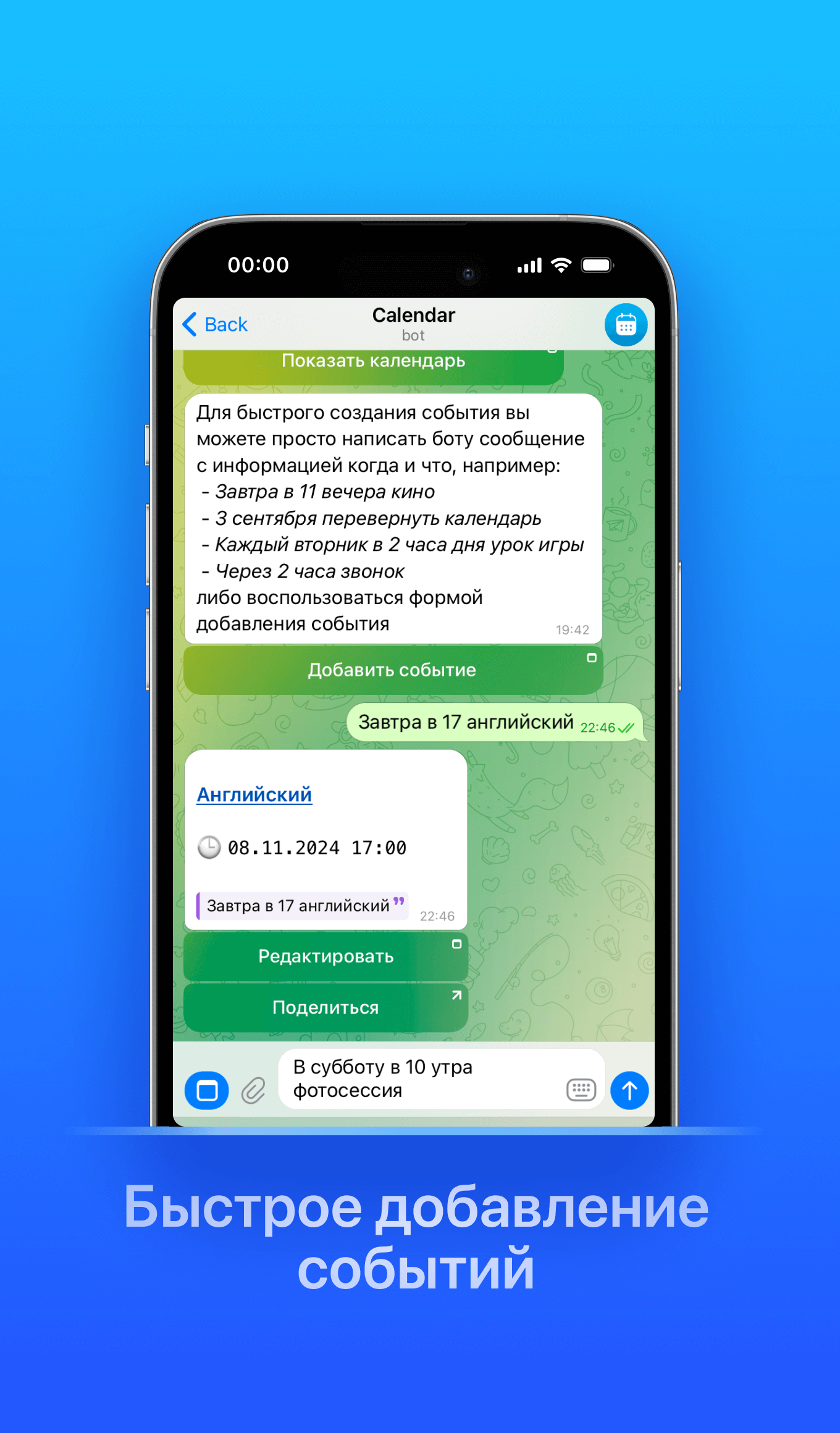
Instant event creation with an AI assistant! Simply send a screenshot/photo of a ticket/poster, a document, or tell your plans in a voice message, and the bot will create the event in your calendar.You can cancel/reschedule events, ask about plans for the upcoming days, and interact with the bot in natural language, either via text or voice.Synchronization with Google, Apple calendars, Yandex Alice, and other services supporting CalDAV will allow you to consolidate everything in one space, and every morning you will receive the day's plan in Telegram.You can create your schedules/event groups and share them with your subscribers. Or share your schedule with a partner to plan time together and always know who is available when. The visual calendar, displaying public holidays and non-working days in your country, will help in planning trips and vacations.

Share this bot:
Transitions to the bot: ( 261 )

Calendar — Screenshot 1 Calendar — Screenshot 2 Calendar — Screenshot 3 Calendar — Screenshot 4 Calendar — Screenshot 5 Calendar — Screenshot 6 Calendar — Screenshot 7 Calendar — Screenshot 8 Calendar — Screenshot 9

How to Start

1

Open Bot in Telegram

Click the "Open Bot" button above to open this bot in the Telegram app
2

Start the Conversation

Press the /start command or tap the Start button to begin interacting
3

Explore Features

Commands, menus and features depend on the bot. Follow its own instructions.

Frequently Asked Questions

Common questions about Telegram bots

A Telegram bot is an automated program that runs inside the Telegram messenger. Bots respond to commands, process messages, and provide services like automation, information lookup, file processing, and entertainment. Tap Start to begin interacting.
Commands, menus and features depend on the bot. Follow its own instructions.
A catalog listing is not a safety check. Review the operator and requested permissions.
Prices and limits are set by each service. Check its terms before paying.